











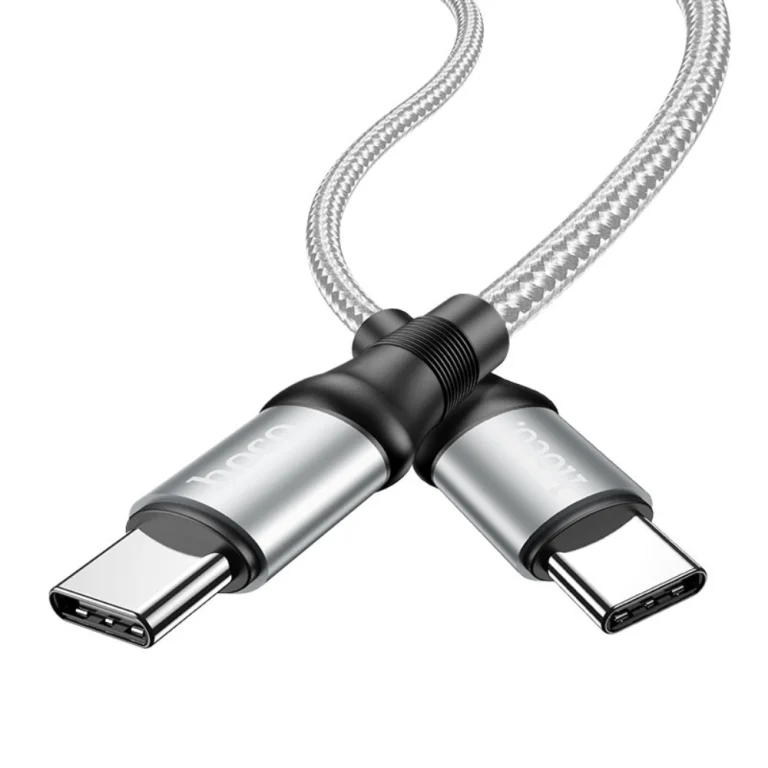
Every USB-C cable has the same connector, so it is easy to assume they all do the same job. In practice, two cables that look identical can differ enormously in how much power they carry, how fast they move data and whether they can drive a monitor. The good news is that the answer is usually written right in the product title.
1. Charging power (watts)
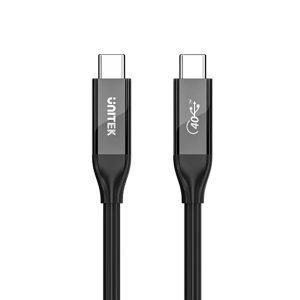
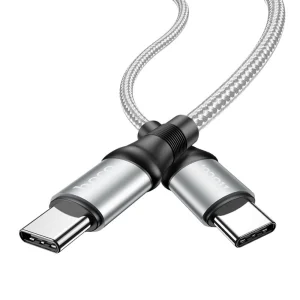
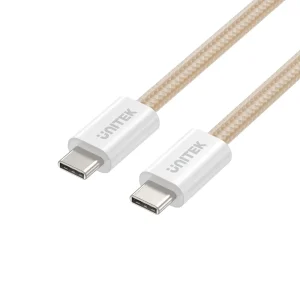
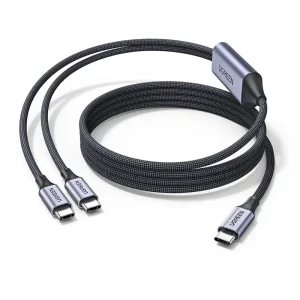
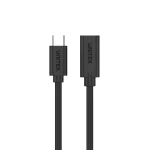
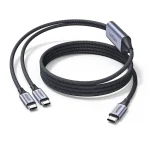
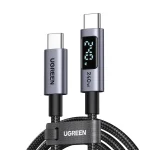
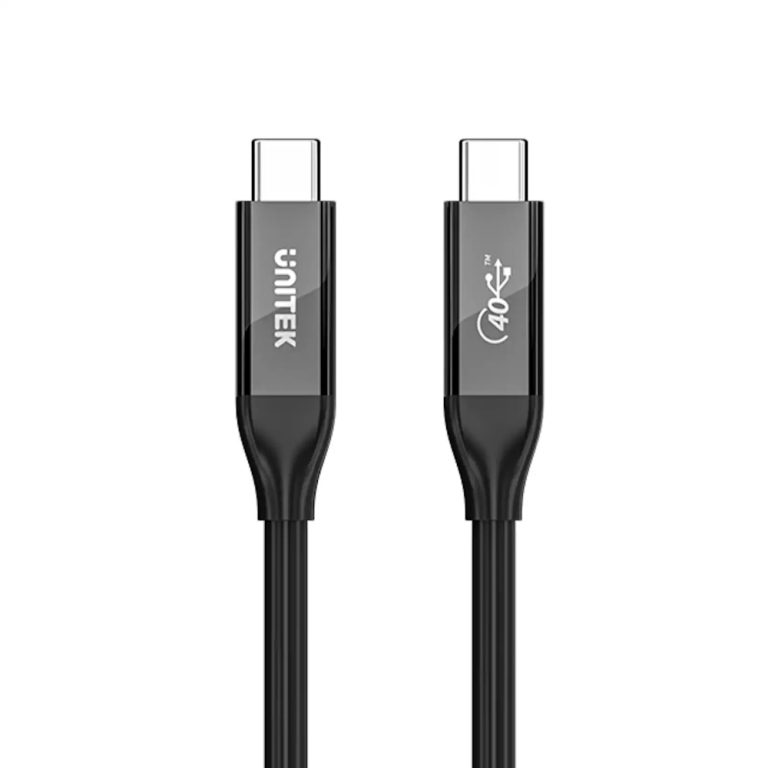
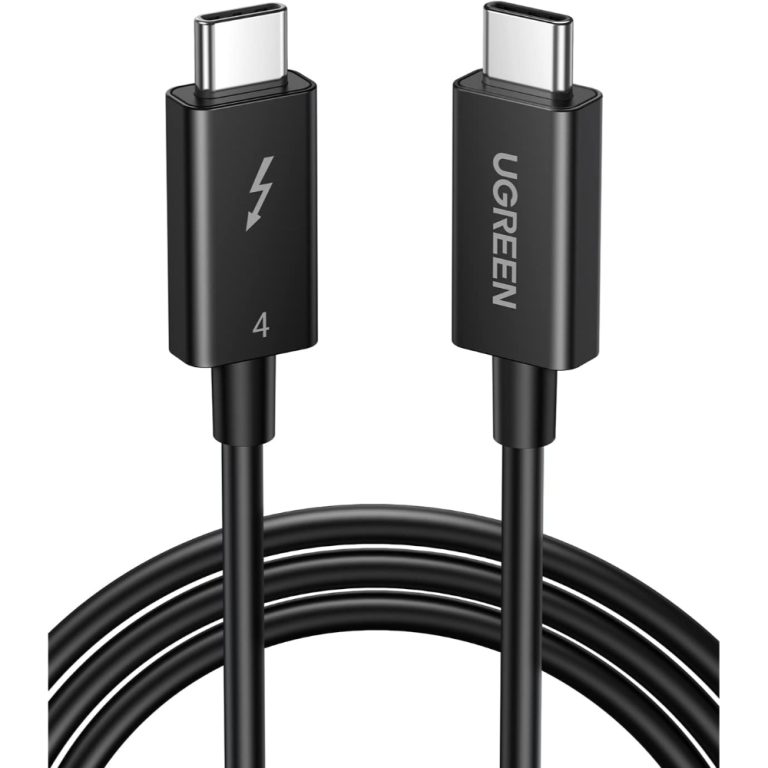
Look for a wattage figure such as 60W, 100W, 140W or 240W. For a phone or earbuds, a 60W cable is plenty, for example the HOCO X14 60W Type-C to Type-C cable. To charge a laptop, pick a cable rated at or above your laptop charger’s wattage: the HOCO X50 100W cable or the UNITEK magnetic 100W USB-C cable are examples. For very high power, the UGREEN 2-in-1 USB-C to dual USB-C cable is listed at 140W, and the UNITEK USB4 cable below goes up to 240W.
2. Data speed (Gbps)
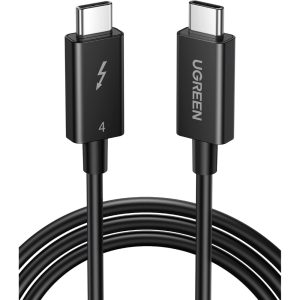
Basic charging cables are often slow for data. If you move large files to an external SSD or connect a dock, look for a speed such as 10Gbps or 40Gbps. The UGREEN Thunderbolt 4 USB-C cable is listed at 100W and 40Gbps, and the UNITEK USB4 / Thunderbolt 3 & 4 cable is listed at 240W with 8K@60Hz video support.
3. Video support
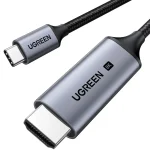
If you want to connect a monitor through a USB-C cable, you need a “full-featured” cable and a device that supports video output. Cables that mention 4K or 8K together with a refresh rate (for example 8K@60Hz) are built for this. A simple charging-only cable will not carry a picture.
4. Length matters too
High-speed cables work best when they are short, which is why many 40Gbps cables are under one metre. If you need more reach, check the specification of the longer version rather than assuming it matches the short one.
A simple rule of thumb
- Phone and accessories: a 60W cable is enough.
- Laptop charging: match or exceed your charger’s wattage.
- Docks, SSDs and monitors: choose a USB4 / Thunderbolt-class cable with the speed and video rating you need.
Questions about a specific cable? Ask our team and we will help you pick the right one.