





























Wi-Fi is convenient, but for desktops, TVs, game consoles, NAS devices and video calls, a wired connection is still the most dependable option. The right cable and a few simple tools are all it takes to build a solid wired network at home or in a small office.
Cat6 or Cat8?
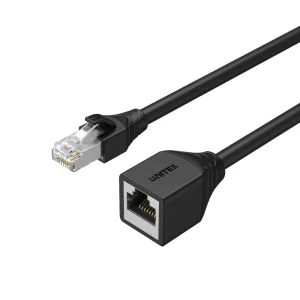
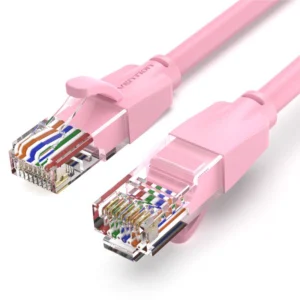
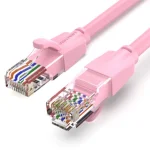
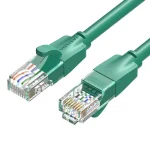
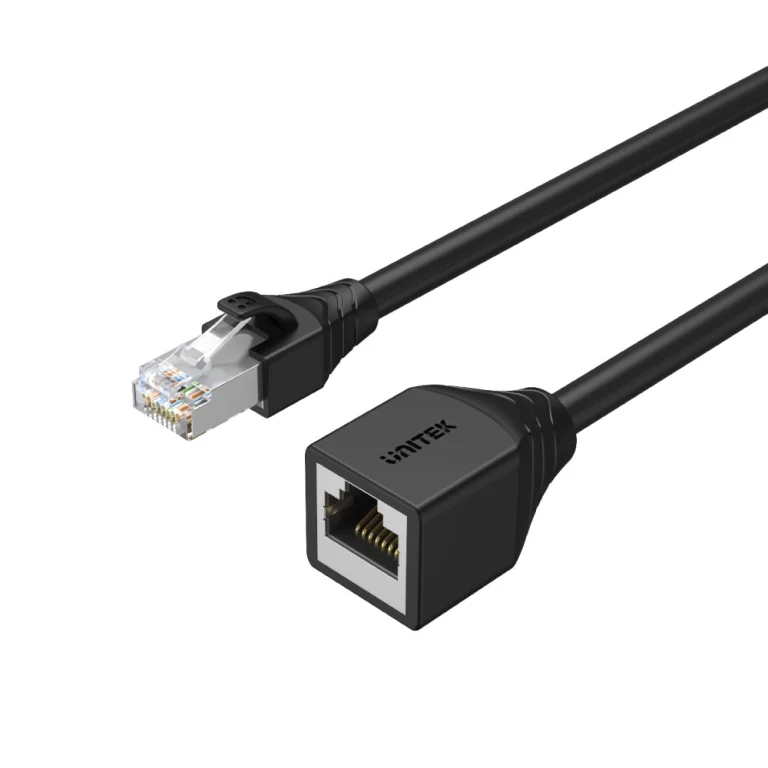
Cat6 cables handle Gigabit networks comfortably and are the sensible default for most homes and offices. One Chip Computers stocks options such as the VENTION Cat6 UTP patch cable for short connections and the UNITEK Cat6 STP Ethernet extension cable (5m), which is shielded, for longer runs.
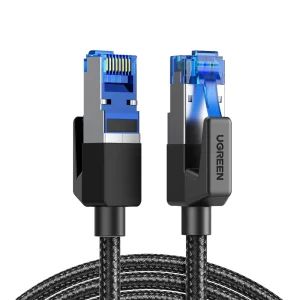
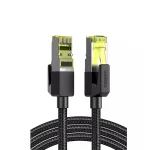
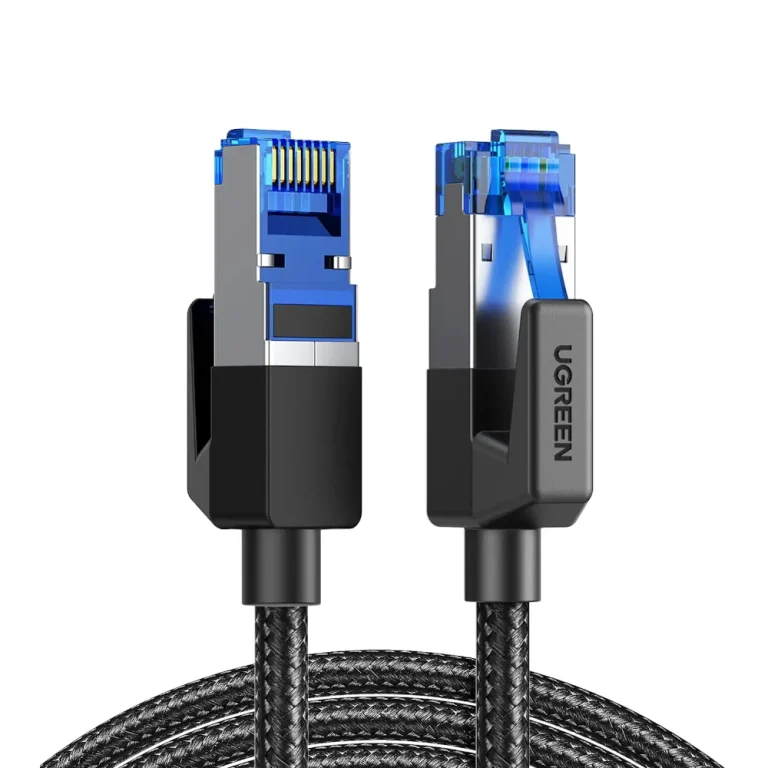
Cat8 is built for much higher speeds over shorter distances, which suits server racks, workstations and future-proofing. Examples include the UNITEK Cat8 Ethernet cable (1.5m) and the UGREEN Cat8 pure copper braided cable (20m).
Laptops without an Ethernet port
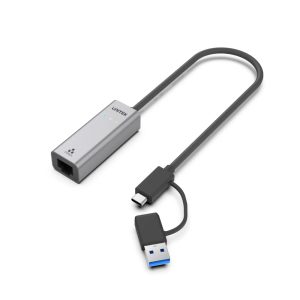
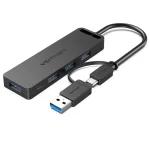
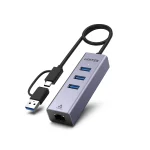
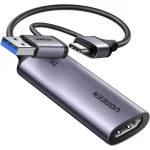
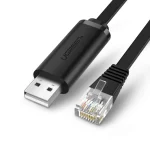
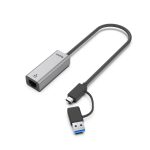
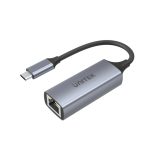
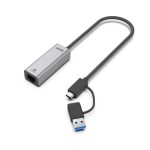
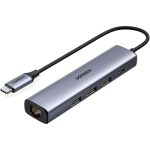
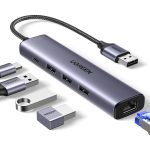
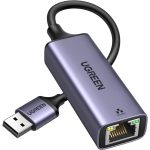
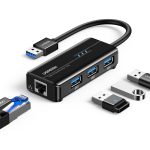
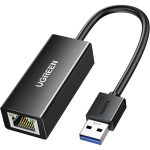
Many thin laptops have dropped the Ethernet socket. A USB adapter brings it back: the UNITEK USB-C / USB-A to 2.5G Ethernet adapter supports faster-than-Gigabit wired speeds, which is useful when your router and network gear support them.
Tools for custom lengths and troubleshooting
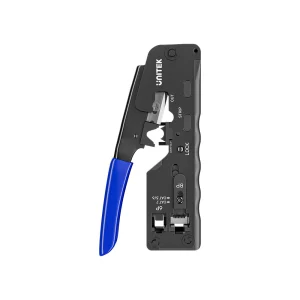
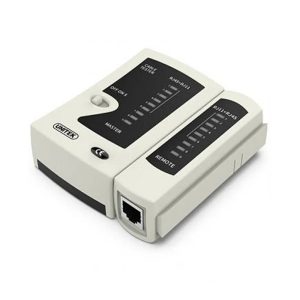
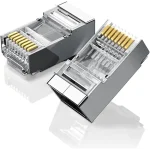
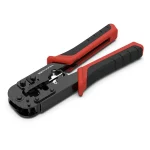
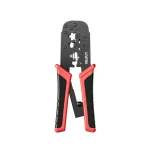
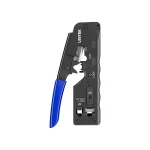
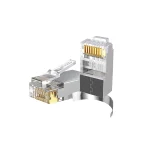
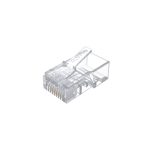
If you run cables through walls or need an exact length, a crimping tool lets you terminate your own cables. The UNITEK multi-function network cable crimping tool works with RJ45 and RJ11 connectors. To check that a cable is wired correctly, the UNITEK network cable tester covers RJ45 and RJ11 cables and saves hours of guesswork.
Tips for a reliable setup
- Keep runs short and tidy. Avoid sharp bends and keep Ethernet cables away from power cables.
- Use shielded cable in busy environments. Shielded (STP) cables can help where there is a lot of electrical equipment.
- Match your gear. Your devices, cables and router all need to support a speed for you to get it.
- Test new cables. A cable tester quickly separates a bad cable from a bad device.
Planning a larger setup or need a recommendation? Talk to our team, we also provide networking and IT consultancy.