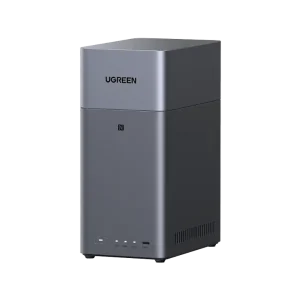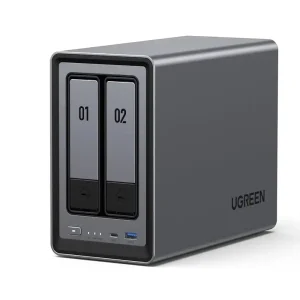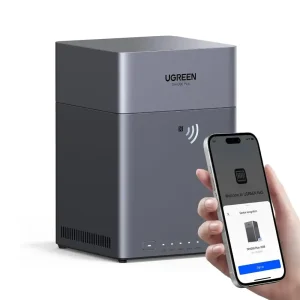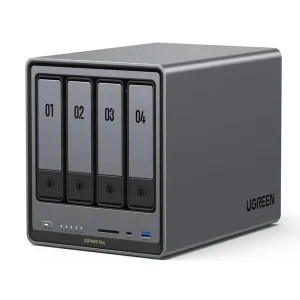



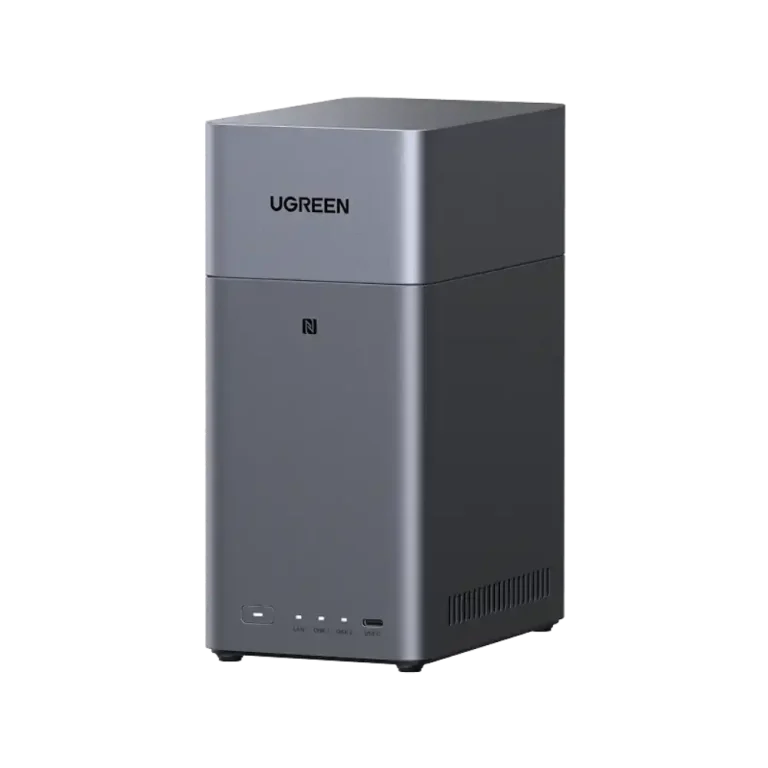
NAS stands for Network Attached Storage. Think of it as a small, always-on computer dedicated to storing files. Instead of keeping photos, documents and backups scattered across laptops and phones, you keep them on the NAS and reach them from any device on your network.
What you can do with a NAS
- Back up laptops, phones and computers automatically.
- Share files between people in a home or office without emailing them around.
- Keep a private cloud for photos and documents that you control.
- Protect data by storing it across multiple drives so one failure does not mean lost files.
What does “bay” mean?
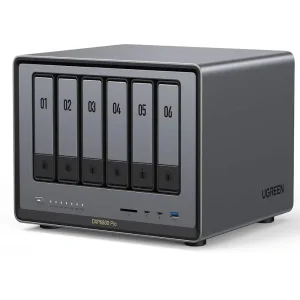
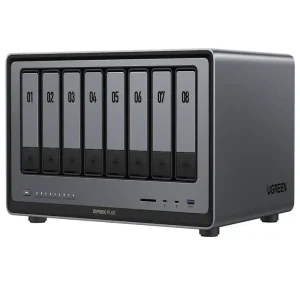
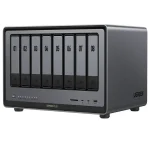
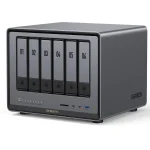
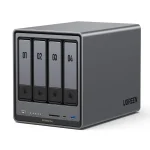
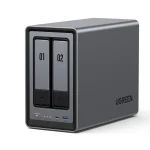
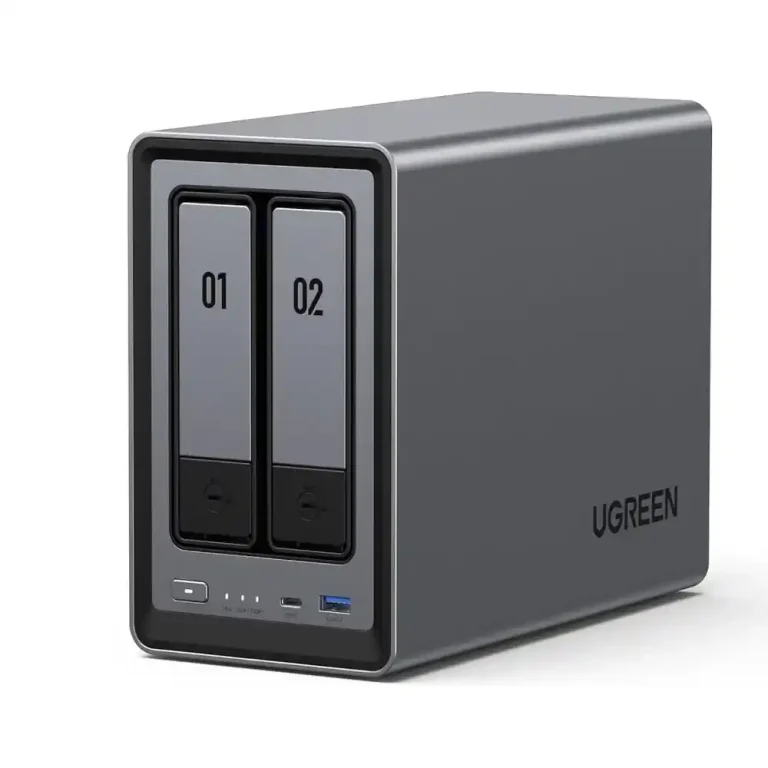
The bay count is the number of drives a NAS can hold. More bays mean more capacity and more protection options. The NASync range at One Chip Computers spans from 2-bay models for home users, through 4-bay models for growing families and small teams, up to 6- and 8-bay models for heavy workloads.
Choosing a model
- Home backup and media: a 2-bay such as the UGREEN NASync DH2300 or the DXP2800 (Intel N100) is a good starting point.
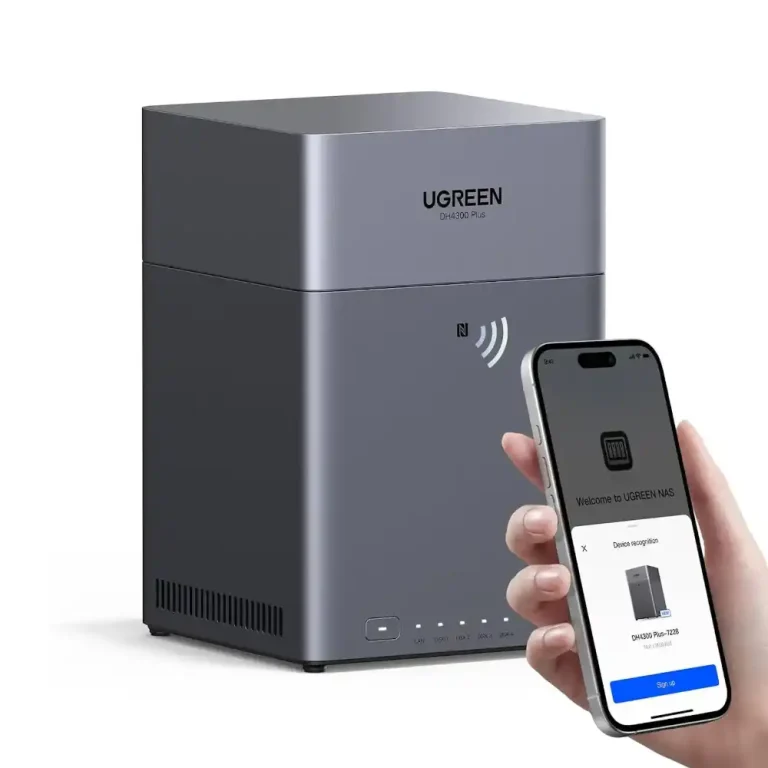
- Small teams and heavier use: the DH4300 Plus 4-bay or the DXP4800 Plus 4-bay, which lists 10GbE and Thunderbolt 4 connectivity.
- Demanding workloads: the DXP6800 Pro 6-bay and DXP8800 Plus 8-bay list dual 10GbE and Intel Core i5 processors.
Some models are listed as diskless, which means the hard drives are purchased separately, so remember to budget for them.
Not ready for a NAS?
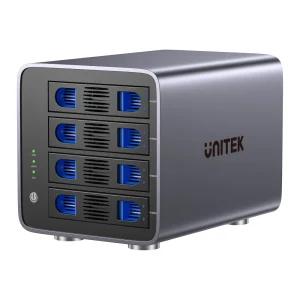
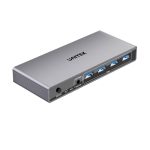
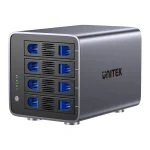
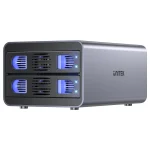
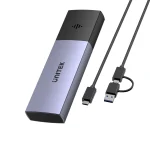
If you simply want more storage attached to one computer, an external multi-bay enclosure such as the UNITEK 4-bay RAID external hard drive enclosure is a simpler alternative, though it does not share files over the network the way a NAS does.
One Chip Computers also provides NAS and storage setup support for homes and businesses. Get in touch and we will help you choose.