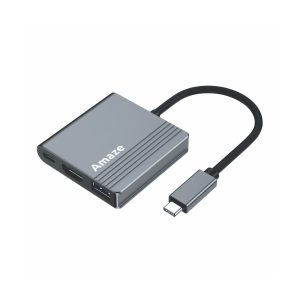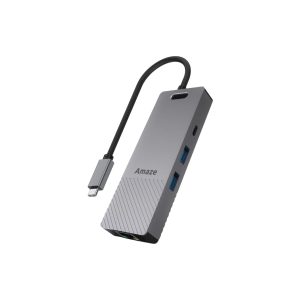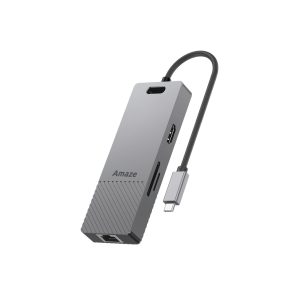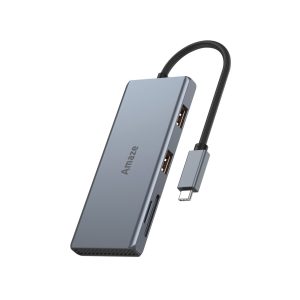
New Type-C laptops and MacBooks are slim for a reason: they carry only one or two USB-C ports. There is no standard USB-A for your flash drive or mouse, and no HDMI for the projector in the meeting room.
For office professionals and developers, that is a daily interruption. A multifunction USB-C hub solves it with one device.
What to check before you buy
1. USB ports
- Count the USB-A ports you really use: mouse, keyboard, flash drive, external drive.
- Look for USB 3.0 or higher. A 5 Gbps or 10 Gbps port moves files far faster than USB 2.0.
2. 4K HDMI output
- Check the refresh rate. 4K at 60 Hz is smooth for work and video, while 4K at 30 Hz is fine for presentations.
- If you run two screens, look for a hub with dual video output.
3. Power Delivery (PD) charging
- PD pass-through charges the laptop through the hub, so you use one cable for everything.
- Match the wattage to your charger, for example 65W or 100W.
4. Extras that save time
- Gigabit LAN for stable office networks.
- SD and microSD slots if you handle camera cards.
5. Build quality
- An aluminum body keeps the hub from overheating.
- A solid cable and well-fitted ports last longer on a busy desk.
Picks by need (prices in PKR)
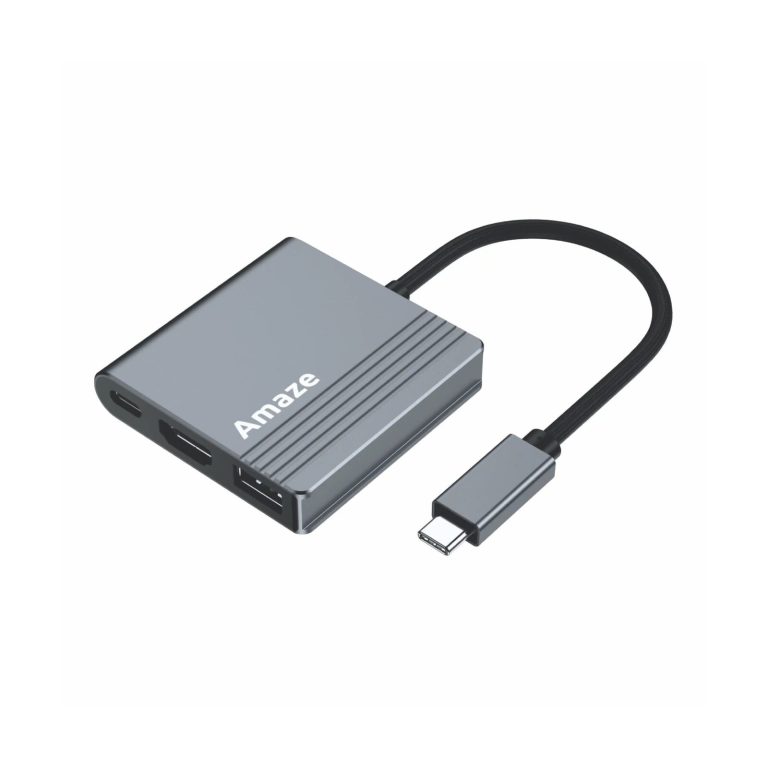
- Amaze A320 3-in-1 Hub, Rs 2,550: HDMI 4K at 30 Hz, USB 3.0 and PD 100W for light travel use.
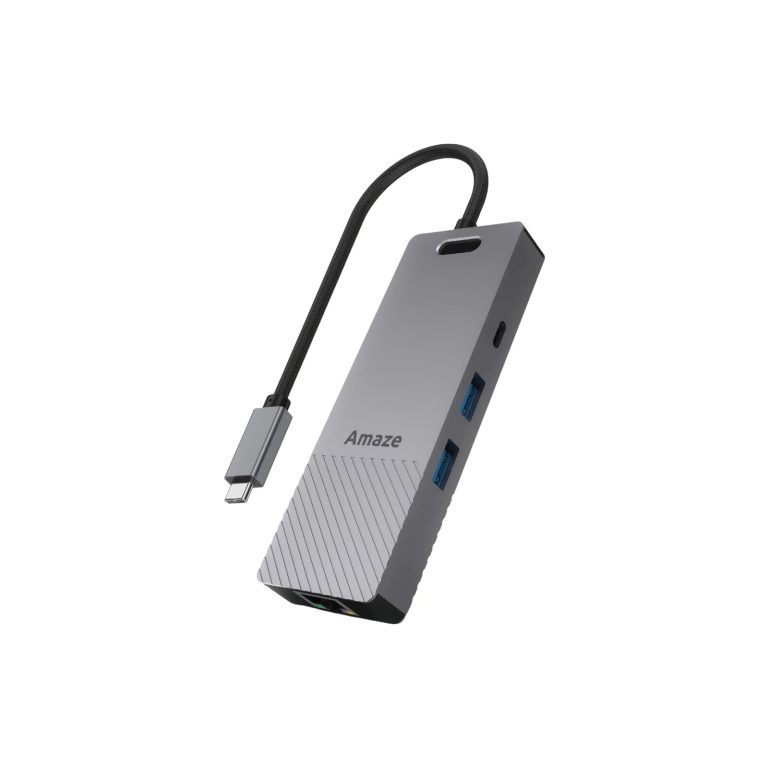
- Amaze A326 6-in-1 Hub, Rs 5,850: HDMI 4K at 60 Hz, Gigabit LAN, USB 3.0 and PD 100W.
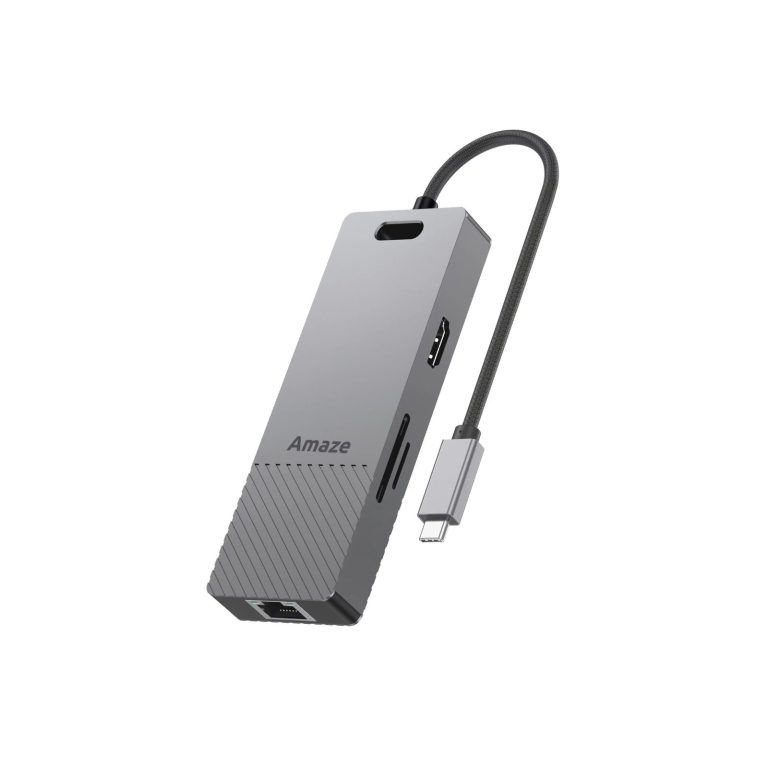
- Amaze A328 8-in-1 Hub, Rs 6,750: three USB 3.0 ports, SD/TF slots, LAN and PD 100W.
- Amaze A332 Hyper Flux 7-in-1, Rs 7,650: HDMI and DisplayPort for a dual-screen setup.
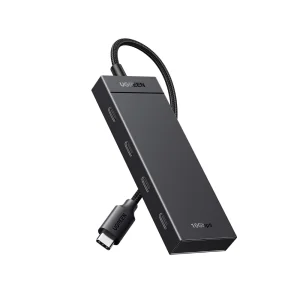
- UGREEN 35584 4-Port USB-C Hub, Rs 5,199: 10 Gbps, for fast external drives.
Prices were correct at the time of writing and can change. We deliver across Pakistan, including Karachi, Lahore and Islamabad.
Don’t compromise on low-quality copies that ruin your laptop’s motherboard. Upgrade your setup from the Premium USB-C Hubs & Switches on One Chip Computers with secure payment and official warranty.