
HDMI Cables
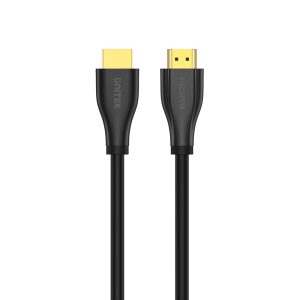
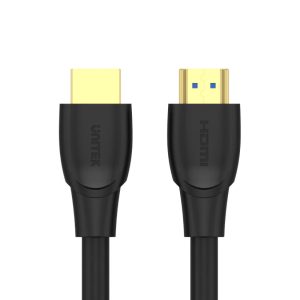
4K, 8K and HDMI 2.1 cables from 1m to 100m. Shop genuine HDMI Cables in Pakistan at One Chip Computers and compare models by specification, length, power rating or compatibility to find the one that fits your devices. Every product page lists the model number and key specifications, so you can choose with confidence for home, office, gaming or study use.
Buying Guide: HDMI Cables in Pakistan
An HDMI cable carries video and audio from a laptop, PC, gaming console or set-top box to a TV, monitor or projector over a single wire. Choosing the right one comes down to three things: the HDMI version, the length and the screen you are connecting.
Read moreShow less
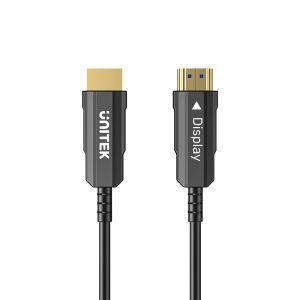
For Full HD and 4K at 60Hz, HDMI 2.0 is enough. For 8K, or 4K at 120Hz on a modern TV or console, choose HDMI 2.1. Short desk setups work well with 1m to 3m, a wall-mounted TV or projector usually needs 5m or 10m, and very long runs are best served by a fiber optic HDMI cable that keeps the signal stable. Our range covers genuine 4K, 8K and fiber optic HDMI cables from 1m up to 100m.
Frequently Asked Questions
HDMI 2.0 aur HDMI 2.1 mein kya farq hai? (What is the difference between HDMI 2.0 and 2.1?)
HDMI 2.0 supports 4K at 60Hz. HDMI 2.1 supports up to 8K and 4K at 120Hz with much more bandwidth, which suits new TVs and gaming consoles.
HDMI cable kitni lambi use karni chahiye? (How long can an HDMI cable be?)
Standard cables work reliably up to roughly 5m to 10m. For 15m and longer, use a fiber optic HDMI cable to avoid signal loss.
Kya 4K TV ke liye 8K cable zaroori hai? (Do I need an 8K cable for a 4K TV?)
No. An HDMI 2.0 cable is enough for a 4K TV at 60Hz. Choose an 8K or HDMI 2.1 cable only for 8K screens or 4K 120Hz gaming.
HDMI cable ki price kitni hoti hai? (What decides the price of an HDMI cable?)
The price depends on the length, the HDMI version and the cable type (standard, braided or fiber optic). The latest price is always shown on each product page.
More questionsShow fewer
Laptop ko TV se kaise connect karein? (How do I connect a laptop to a TV?)
Plug one end into the laptop HDMI port and the other into a TV HDMI input, then select that input on the TV. If your laptop only has USB-C, use a USB-C to HDMI adapter or cable.
Kya HDMI cable audio bhi bhejti hai? (Does HDMI carry audio too?)
Yes. HDMI carries both video and audio, so a single cable is enough for picture and sound.
UNITEK
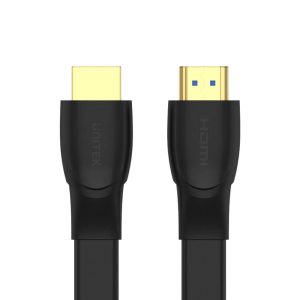
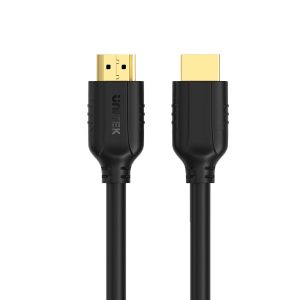
UNITEK C11063BK HDMI TO HDMI FLAT CABLE 4K@60HZ
Rs 2,100
In Stock
Select options
This product has multiple variants. The options may be chosen on the product page
Order on WhatsApp
No products match these filters. Try removing one, or use Clear All.
Loading more products…