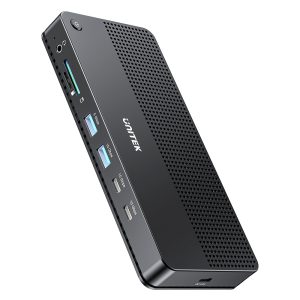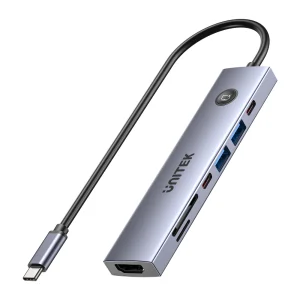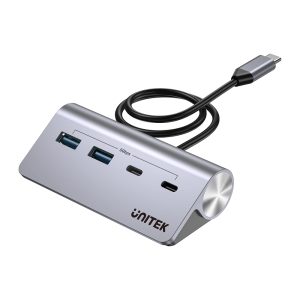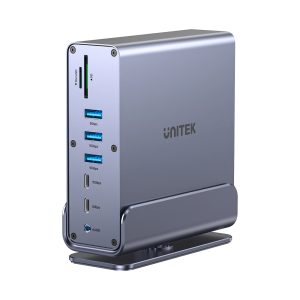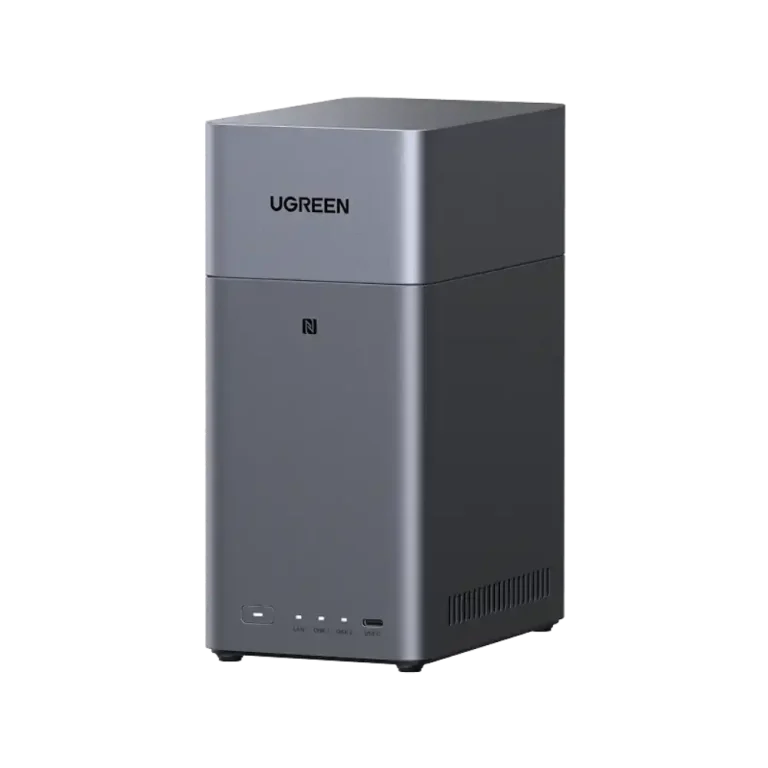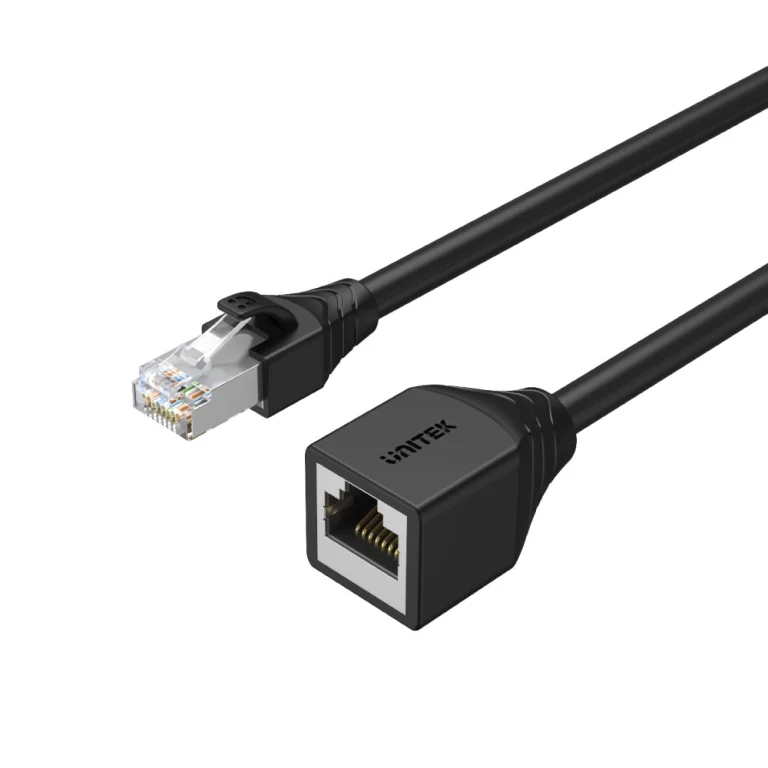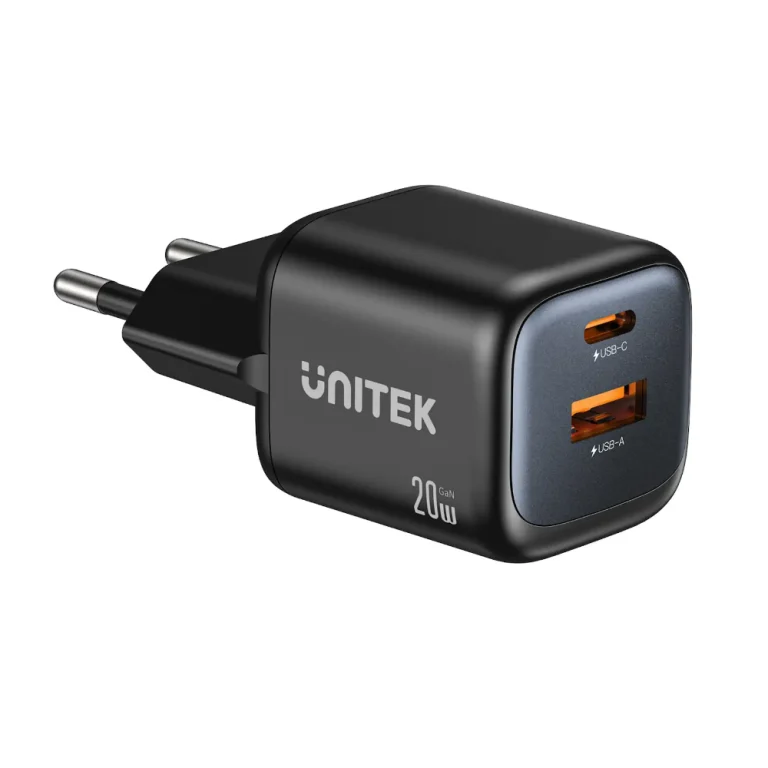
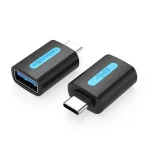
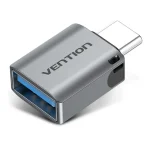
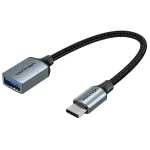
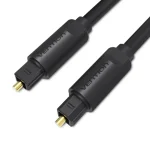
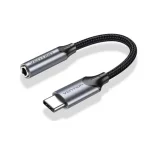
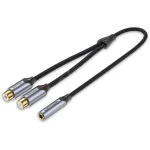
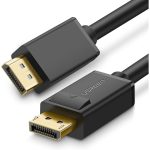
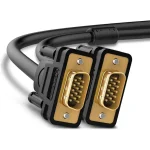
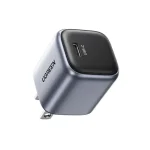
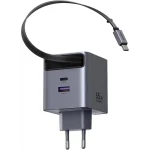
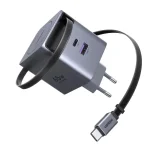
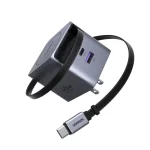




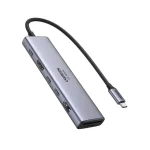
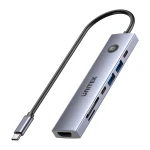
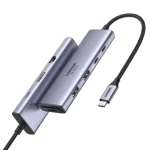
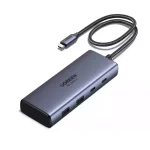

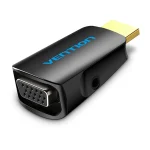
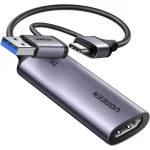
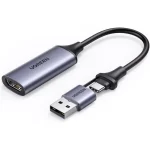
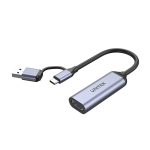
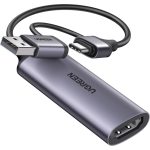
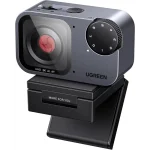
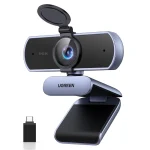
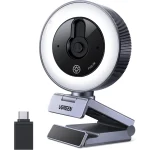
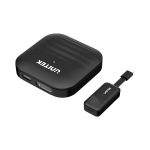
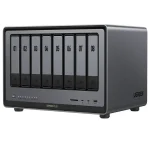
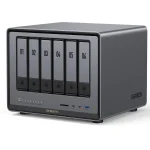
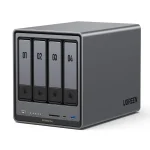
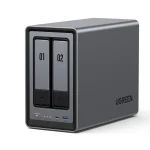
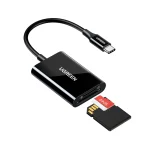
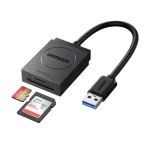
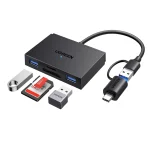

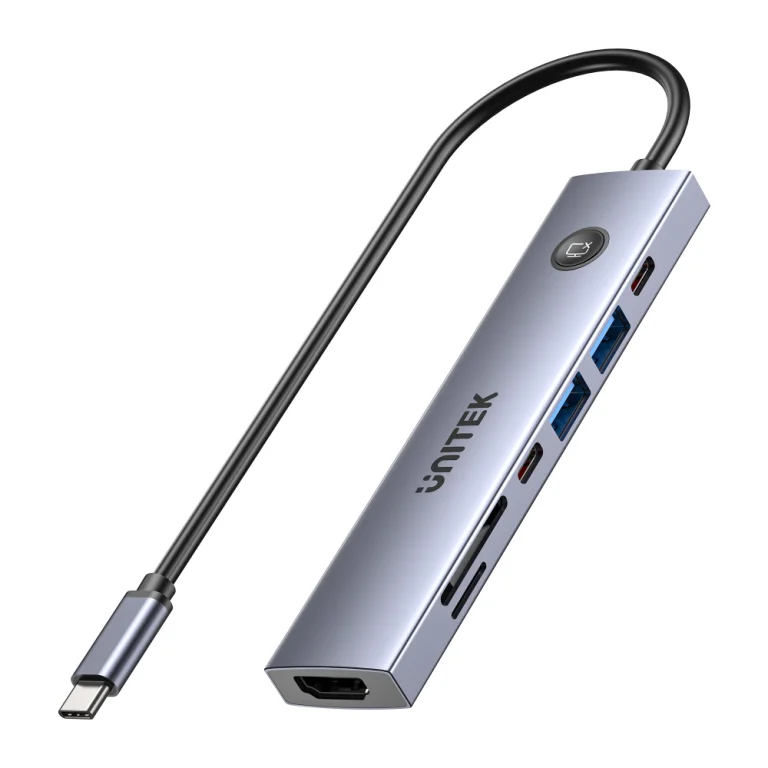
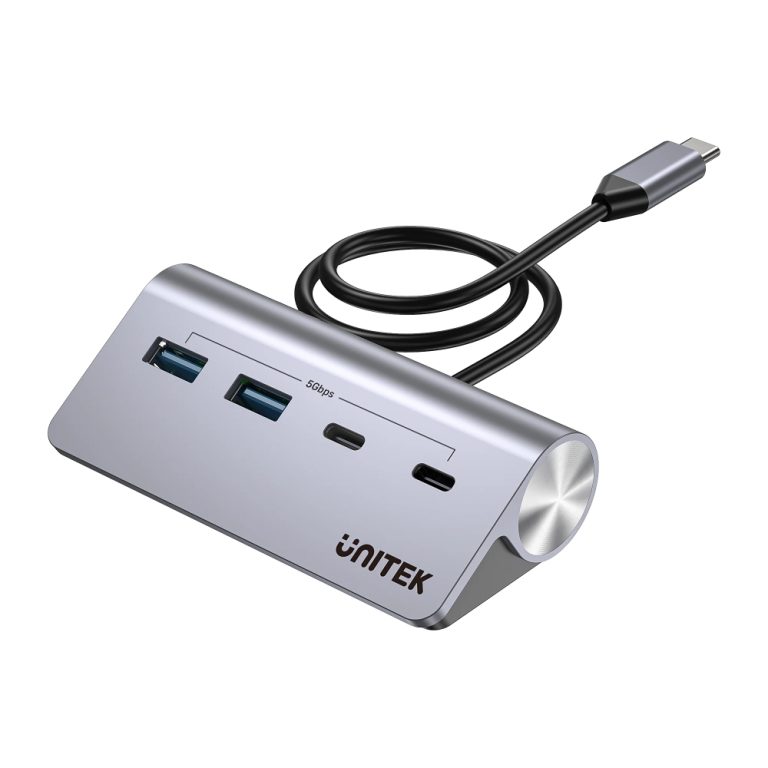
Modern laptops are slim, light and powerful, but they often come with only a couple of ports. The moment you add a monitor, a keyboard, a card reader, an external drive and a wired network connection, those ports run out. That gap is exactly what UNITEK products are designed to fill, and One Chip Computers stocks more than 200 of them, from compact hubs to full docking stations, cables, adapters and networking tools.
This guide walks through the UNITEK products that are currently available at One Chip Computers and the situations where each one makes sense.
Hubs and docking stations: the heart of a laptop desk
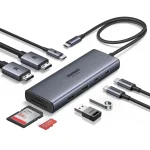
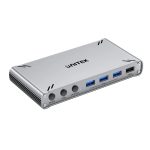
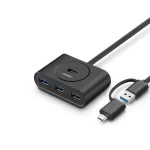
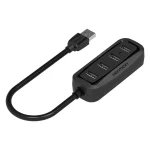
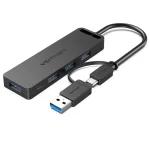
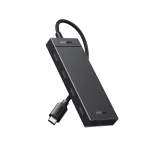
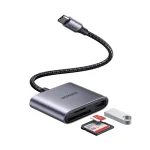
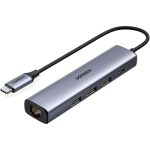
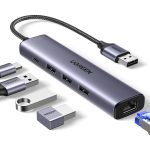
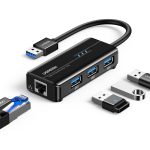
If you only need a few extra ports, a compact hub is usually enough. The UNITEK uHUB Q4 4-in-1 USB-C hub adds two USB-A and two USB-C ports. If you also want video output and a card reader, the UNITEK uHUB S7 PRO 7-in-1 combines an HDMI port, USB ports, a USB-C port and a card reader with PD 100W pass-through charging.
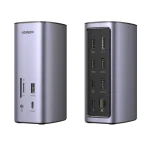
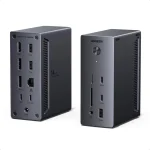
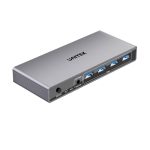
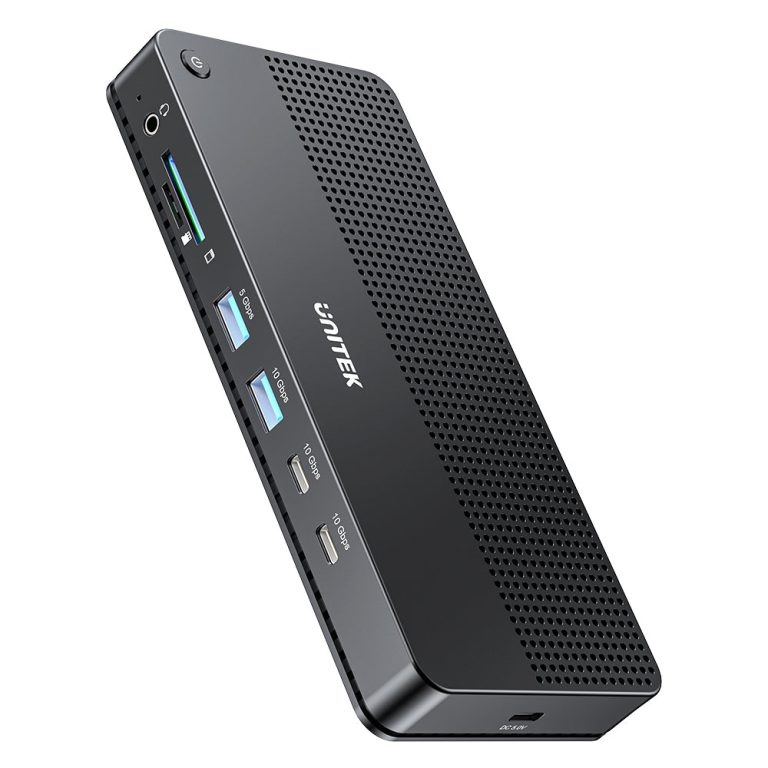
For a fixed desk with several screens, a docking station is the better fit. The UNITEK D1104A01 USB-C 13-in-1 docking station is listed with support for a single 8K or triple 4K display setup and 100W power delivery, while the UNITEK D1135AGY01 15-in-1 DisplayLink docking station targets triple-display 4K@60Hz workstations.
Cables that match your equipment
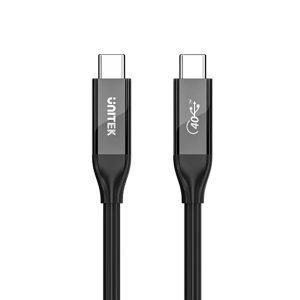
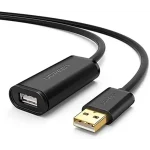
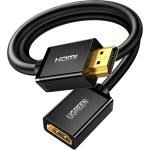
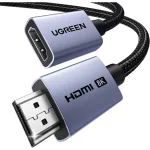
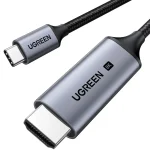
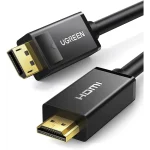
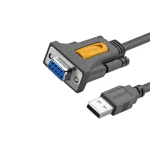
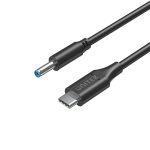
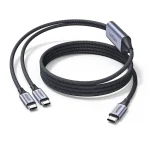
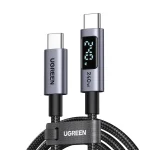
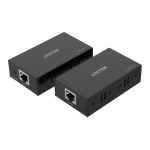
A fast dock or monitor is only as good as the cable behind it. UNITEK offers full-featured options such as the USB4 / Thunderbolt 3 & 4 USB-C to C cable, listed at 240W and 8K@60Hz. On the video side you will find cables like the Ultra Stream 8K@60Hz HDMI extension cable and the DisplayPort 2.1 fiber optic cable rated for 8K@120Hz over 10 metres.
A tidier, more flexible desk
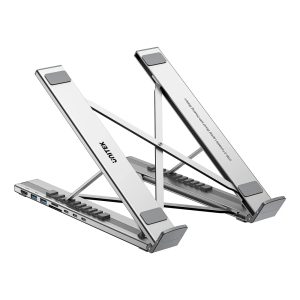
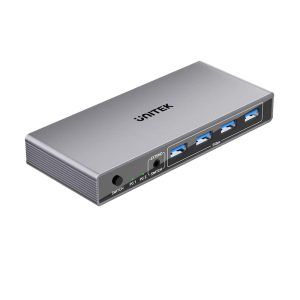
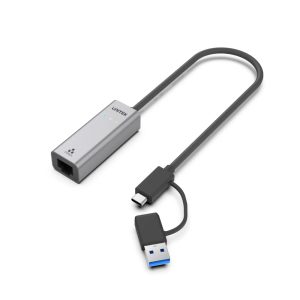
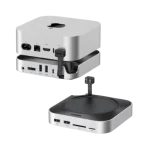
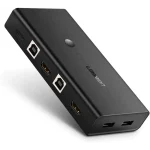
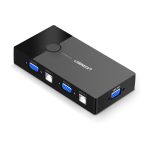
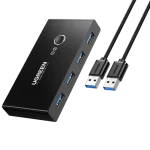
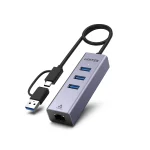
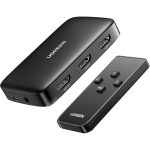
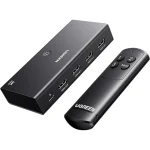
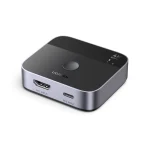
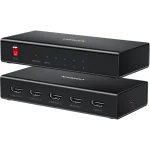
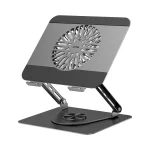
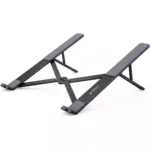
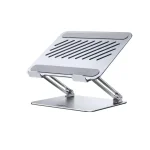
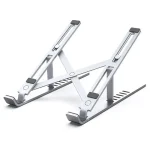
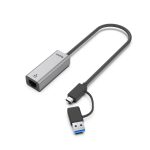
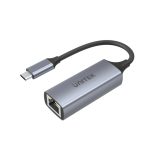
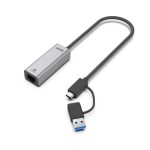
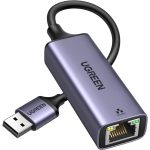
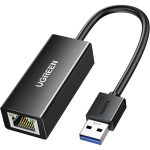
Beyond ports and cables, UNITEK has a few products that change how a desk works. The UNITEK D1137AGY01 foldable aluminium laptop stand has a 7-in-1 docking station built in. If you switch between two computers, the HDMI KVM switch lets two devices share one HDMI display and four USB 3.0 ports. And for laptops without an Ethernet port, the USB-C / USB-A to 2.5G Ethernet adapter gives you a wired connection.
How to choose the right UNITEK product
- List what you plug in. Count your monitors, drives, receivers and accessories before choosing a hub or dock.
- Check the power delivery rating. If the dock should charge your laptop, make sure its PD wattage covers what your laptop needs.
- Match the display support. Look at the resolution and refresh rate in the product title, and make sure your laptop’s USB-C port supports video output.
- Don’t forget the cable. Cable specifications (power, speed, video) should match the device at the other end.
Not sure which combination fits your setup? Our team is happy to help, just contact us and tell us what you are connecting. You can also browse the full UNITEK range.