







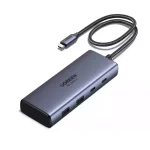
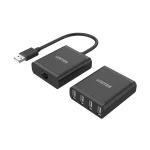
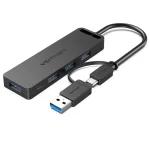
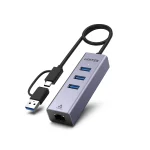





















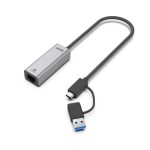
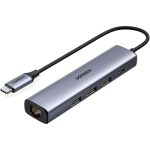
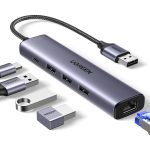
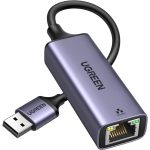

“Hub” and “dock” are often used as if they mean the same thing, but they suit different people. Choosing the wrong one means either paying for ports you will never use or running out of ports on day one.
What a USB-C hub is best for
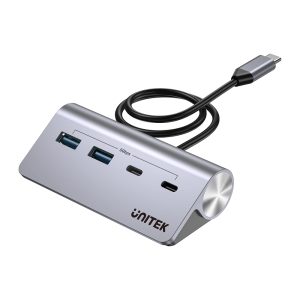
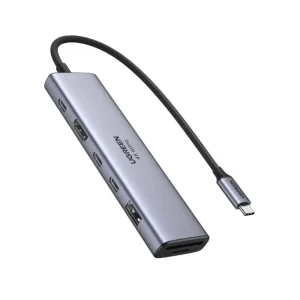
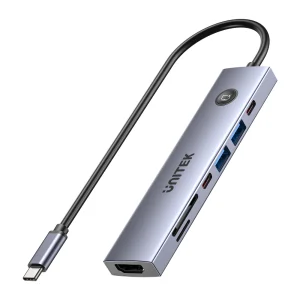
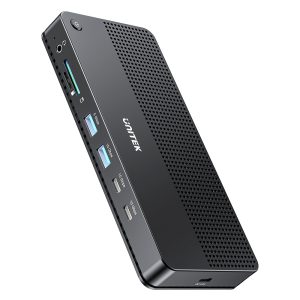
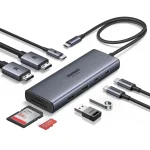
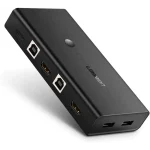
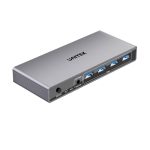
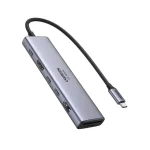
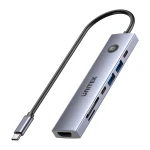
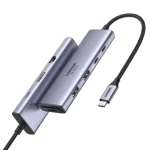
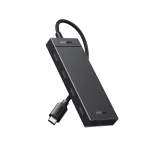
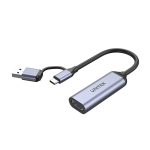
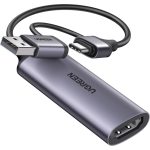
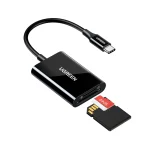
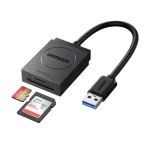
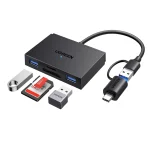
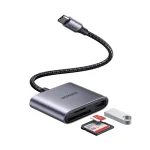
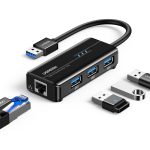
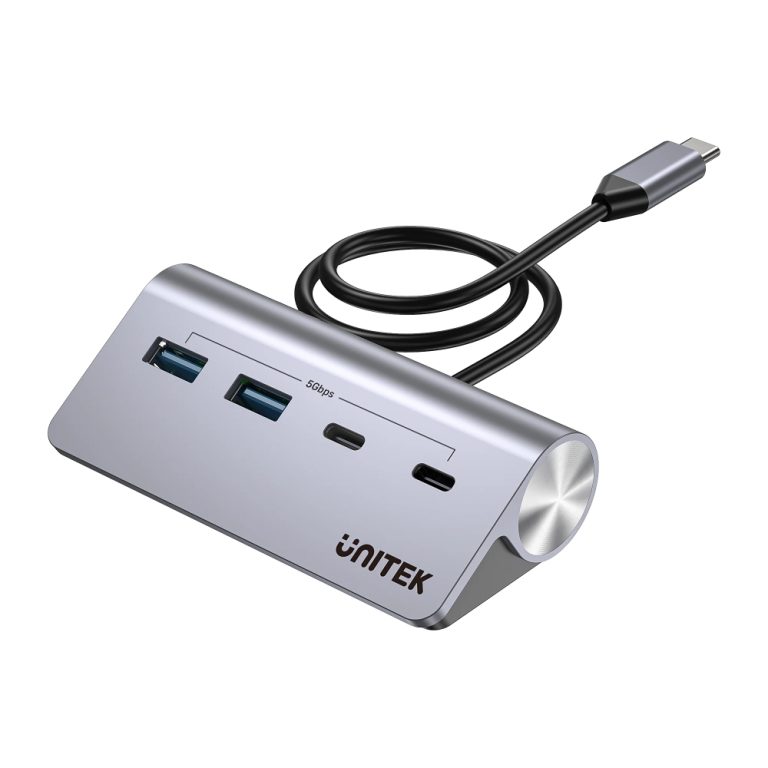
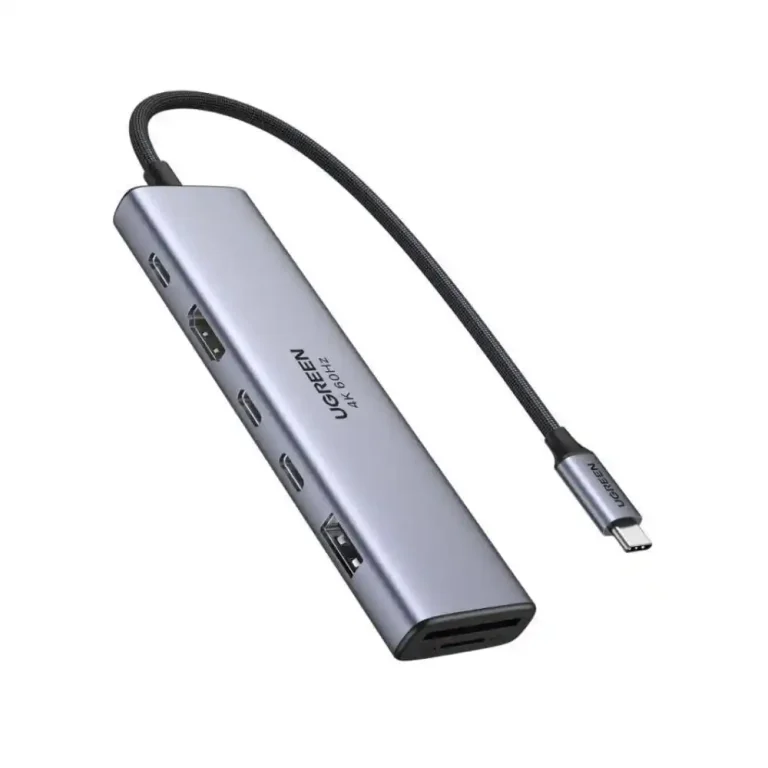
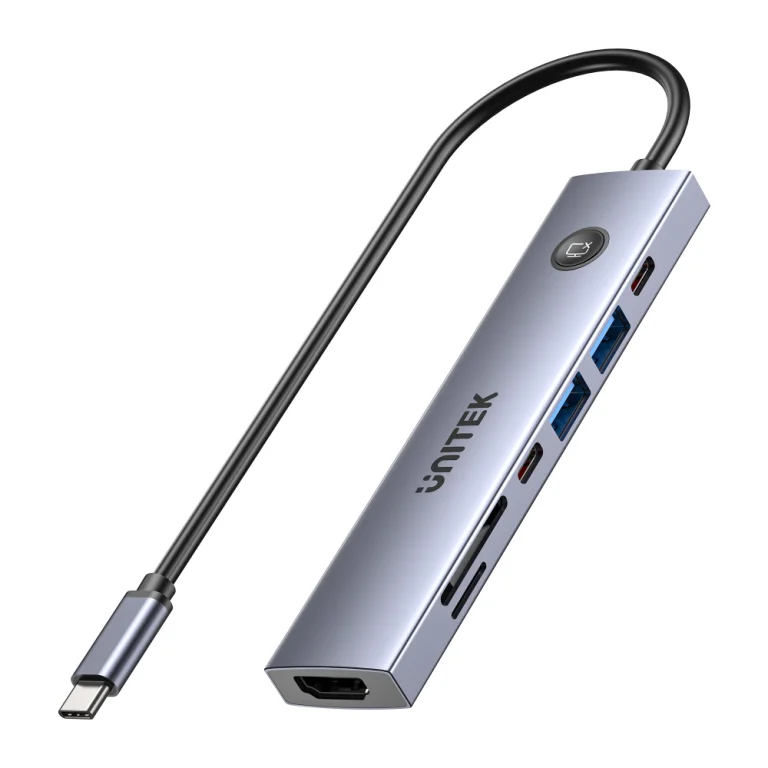
A hub is a small adapter that plugs into one USB-C port and adds a handful of connections. It is light enough to live in a laptop bag. Examples at One Chip Computers include the UNITEK uHUB Q4 4-in-1 hub (two USB-A and two USB-C ports) and the UGREEN 7-in-1 USB-C hub with 4K HDMI. If you want a card reader and PD pass-through charging as well, the UNITEK uHUB S7 PRO 7-in-1 adds both.
Choose a hub if you travel often, use one external monitor, and only need a few extra ports.
What a docking station is best for
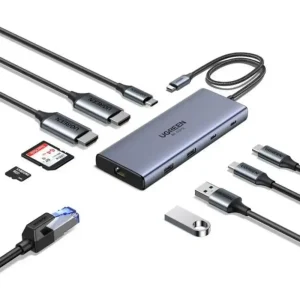
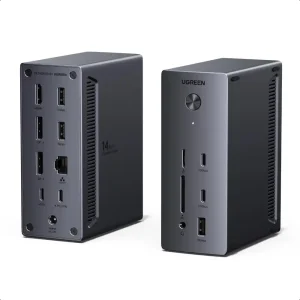
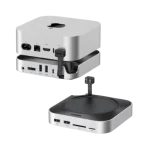
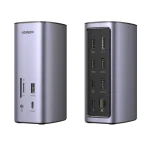
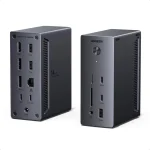
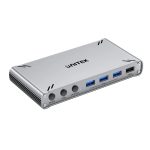
A docking station stays on your desk and turns one cable into a complete workstation: multiple displays, wired Ethernet, many USB ports and power for your laptop. The UGREEN 10-in-1 docking station is listed with dual 4K@60Hz HDMI, 100W PD and Gigabit Ethernet. For bigger setups, the UNITEK 13-in-1 dock supports a single 8K or triple 4K display arrangement, and the UGREEN 14-port dock is listed for triple 4K displays with 100W PD.
Choose a dock if your laptop lives at a desk, you use more than one monitor, or you want to plug in one cable and have everything connected.
Quick checklist before you buy
- How many displays? Check how many screens the product supports and at what resolution and refresh rate.
- Does it charge your laptop? Look for the PD wattage and compare it with your laptop’s original charger.
- Which ports do you use daily? Ethernet, card readers and extra USB-C ports are not on every model.
- Is your laptop’s USB-C port video-capable? Not every USB-C port can output video; check your laptop’s specifications.
If you are unsure, send us your laptop model and what you want to connect, and we will point you to a suitable option.