
Description
UNITEK V1111A Utility Overview
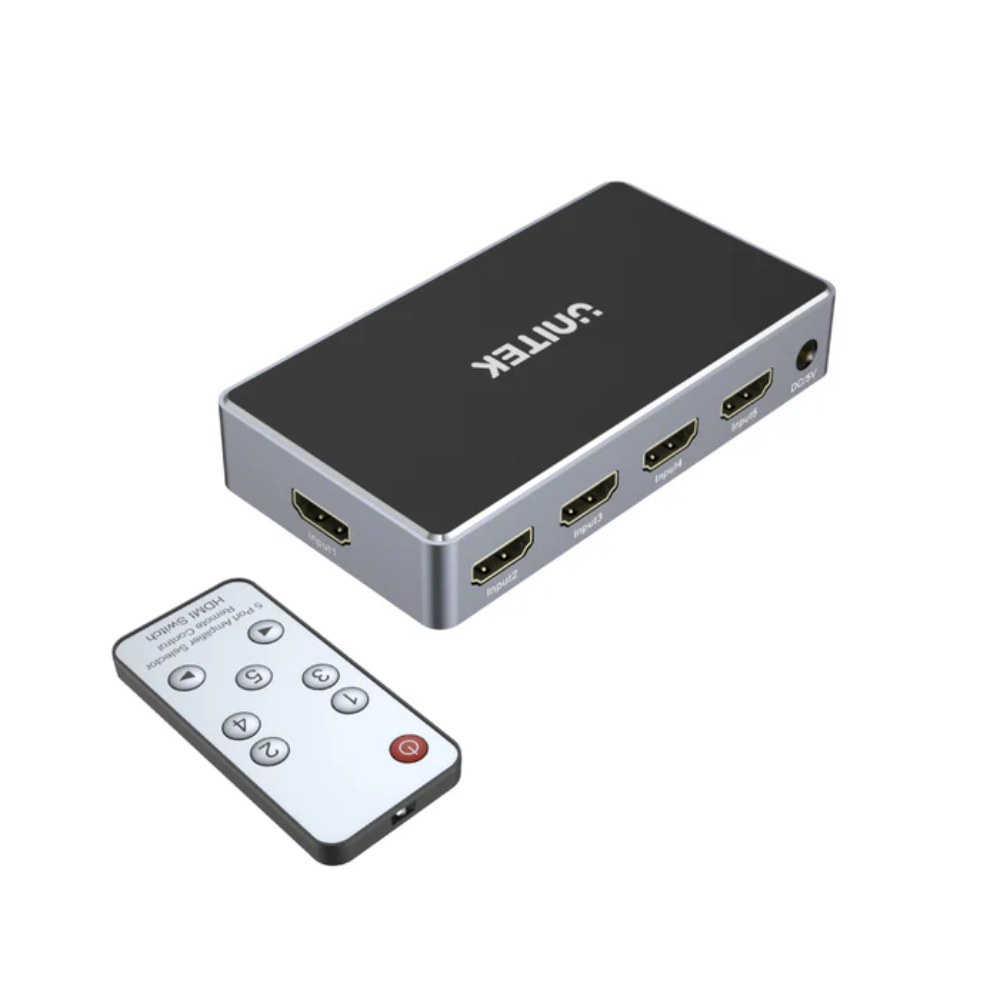
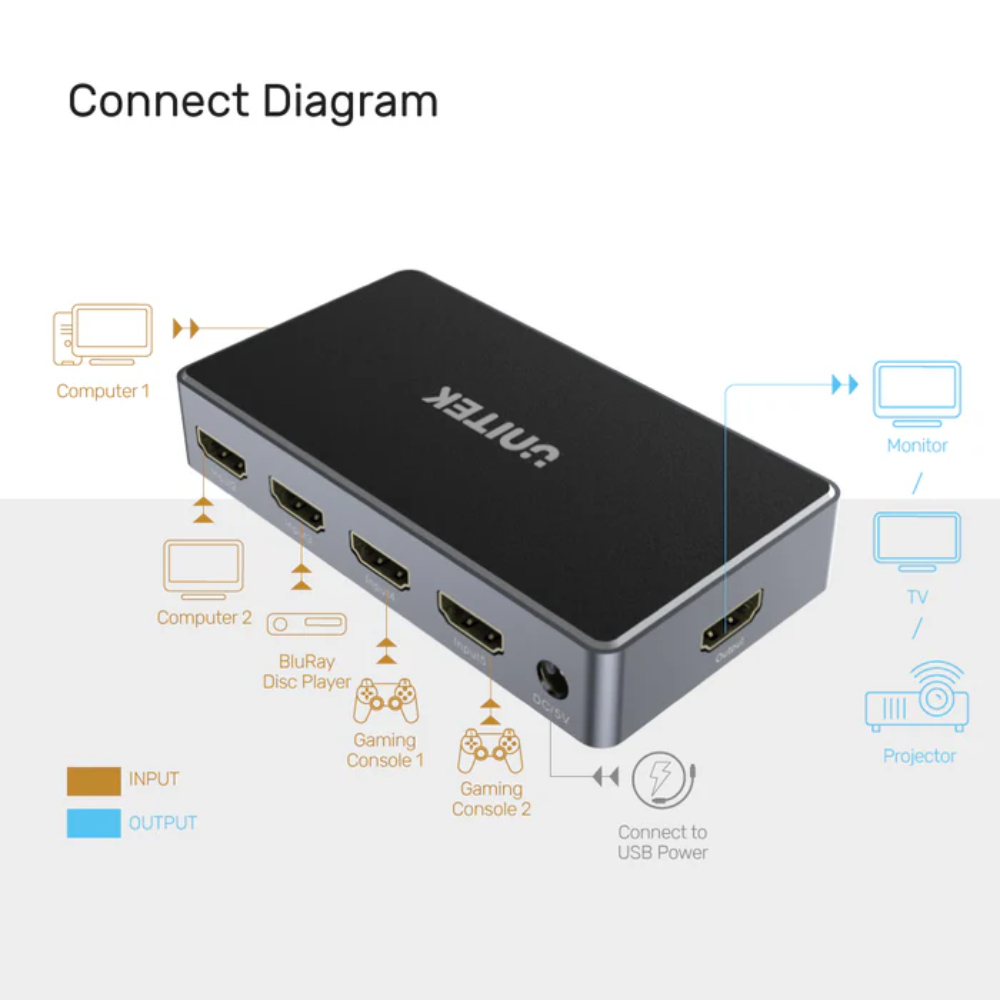
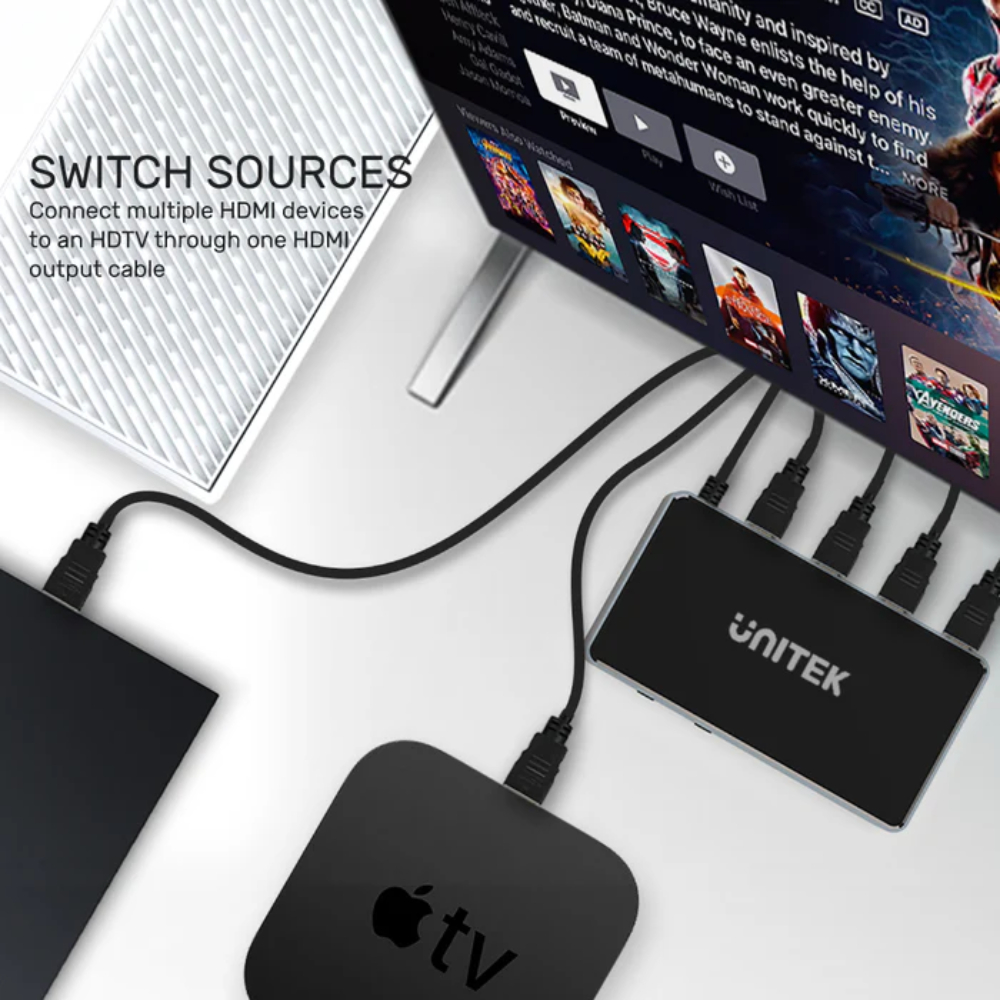
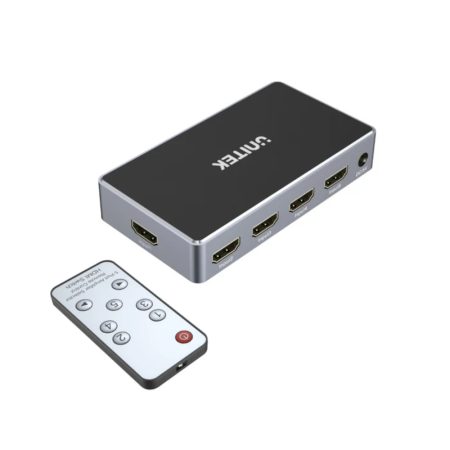
The UNITEK V1111A simplifies your digital setup effectively. Specifically, you need this 3-port switcher if your monitor or TV lacks enough ports for your devices. It connects your internal media processing with external display output seamlessly. For instance, use the UNITEK V1111A to bridge the gap between your PlayStation and your PC on a single screen. Moreover, this device removes the annoyance of plugging and unplugging cables. Consequently, it is a smart solution for bedroom setups and small offices. It also keeps your desktop clutter-free. Overall, it makes your media switching powerful and efficient.
UNITEK V1111A Performance and High Quality
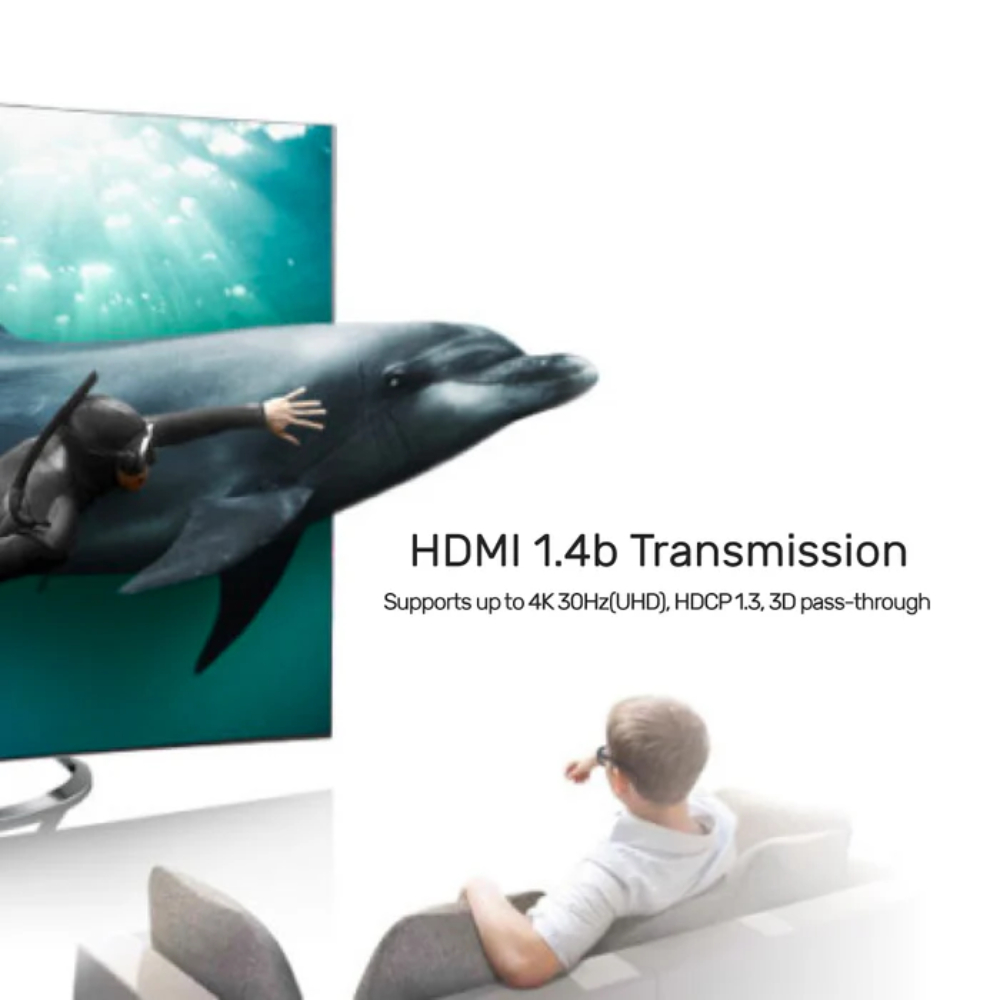
The UNITEK V1111A uses high-speed bandwidth to maintain 4K quality. As a result, this gives you a big advantage when watching movies or presenting slides. The UNITEK V1111A identifies active external signals to ensure a steady connection. Furthermore, you save time by using the manual button to toggle sources in seconds. It also ensures that the internal video signal remains consistent without flickering. For example, switching from a Work Laptop to a Gaming Rig is now very smooth. In addition, it is built with durable components for long-term use. Explore our HDMI SPLITTERS / SWITCHES & KVM for more.
UNITEK V1111A Build Quality and Durability
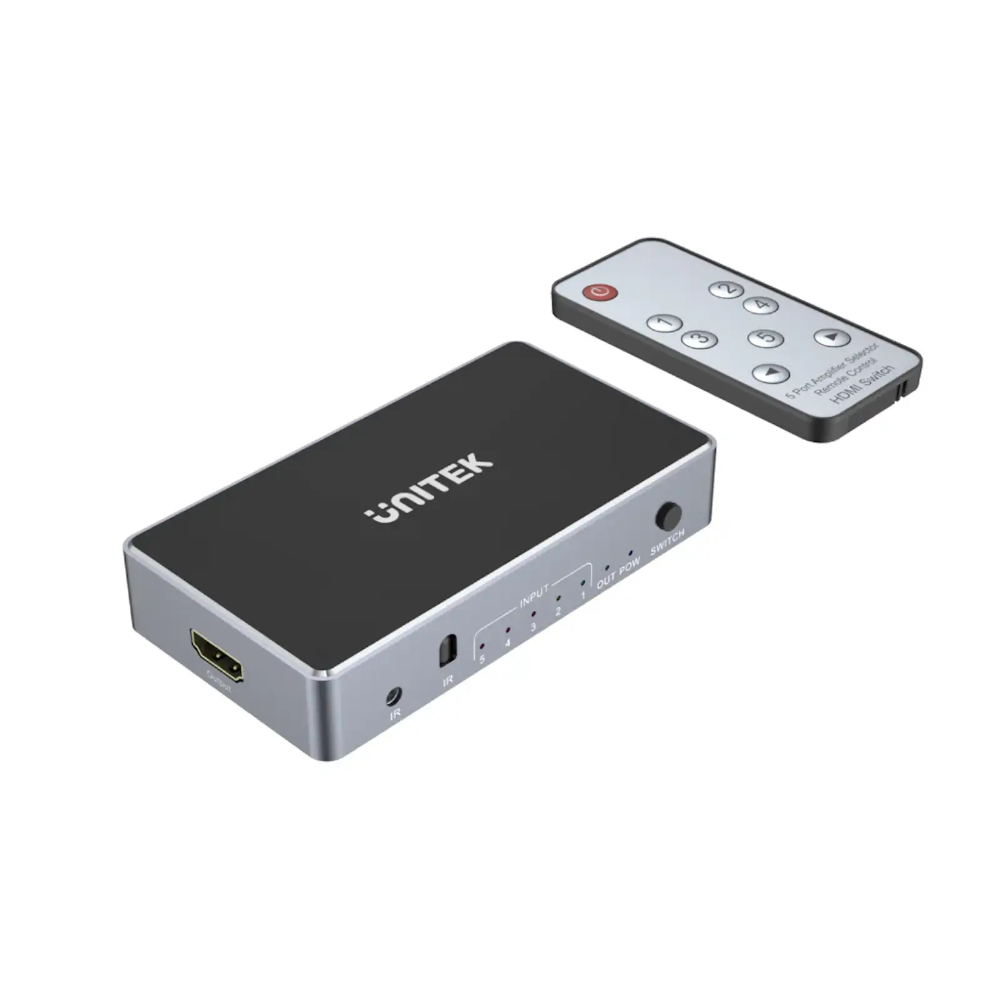
The quality of the UNITEK V1111A is truly excellent. Firstly, it features high-quality ports to prevent signal loss. This design protects the internal connectors from damage caused by frequent use. Secondly, the manual switch button is sturdy and provides a reliable response. The UNITEK V1111A also has clear LED indicators to show which port is currently in use. Thus, it protects your hardware by maintaining a safe and steady signal flow. Your setup stays reliable for years of daily media use. Additionally, its compact size saves valuable external desk space.
Using UNITEK V1111A for Various Purposes
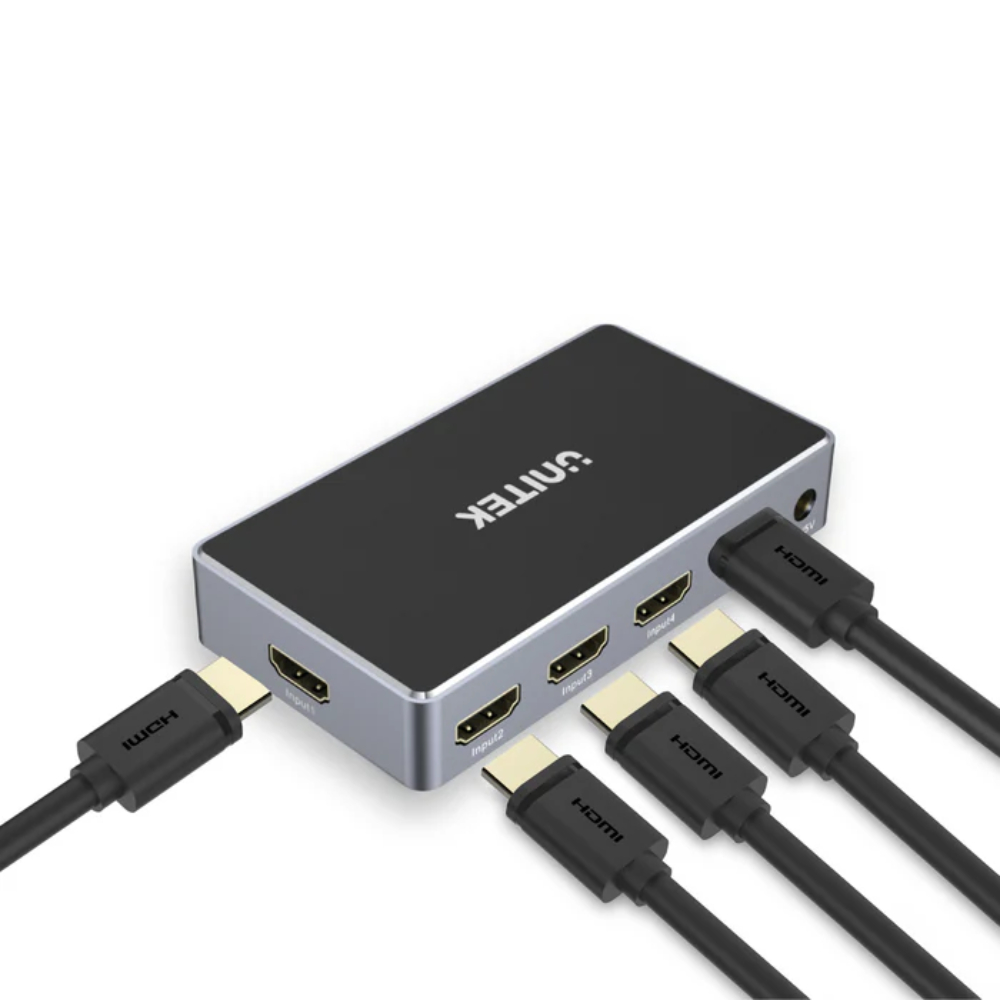
The UNITEK V1111A works with all standard HDMI devices perfectly. For example, you can use it in a student dorm to connect a PC and a Nintendo Switch to one monitor. Similarly, it is great for office workers who need to switch between a laptop and a desktop. The 4K support gives you a crisp visual experience on your external display. Meanwhile, the tiny footprint allows it to sit unnoticed on your table. You just plug the UNITEK V1111A into your HDMI ports to start. Because of this, it is a total solution for modern port management.
Why Choose the UNITEK V1111A Model?
Finally, choosing the UNITEK V1111A is a smart decision. In contrast, many basic switches cause signal dropouts or blurry images. This model offers 3 ports and stable signal processing in one compact package. Moreover, it manages internal video data and external display outputs perfectly. It uses premium tech for a reliable and hassle-free entertainment hub. Whether you are a casual gamer or a professional, it gets the job done easily. In conclusion, the UNITEK V1111A is perfect for long-term use.
Find more items at onechip.com.pk. If you have questions, Contact OneChip for help.
Reviews
There are no reviews yet.