
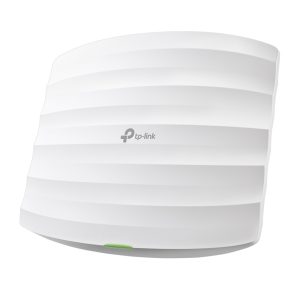
TP-Link Omada Access Points
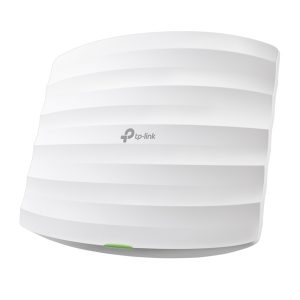
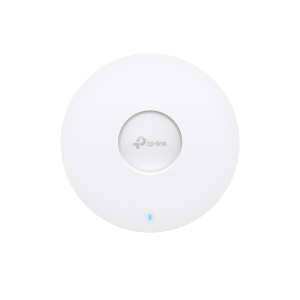
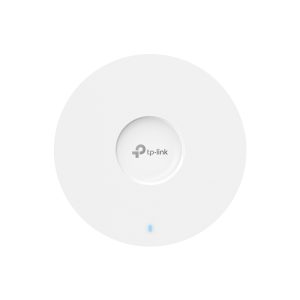
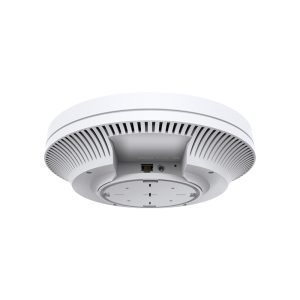
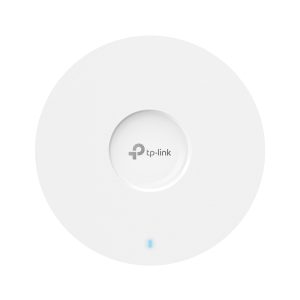
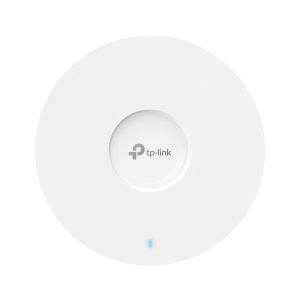
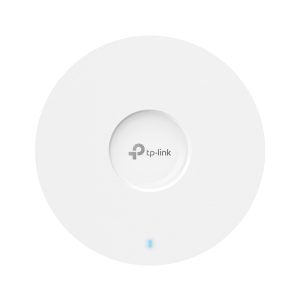
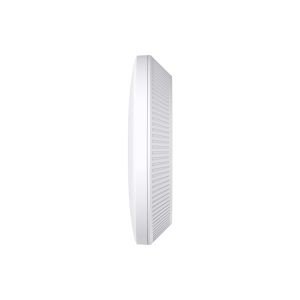
Shop TP-Link Omada access points in Pakistan: ceiling mount, outdoor and wall plate models in Wi-Fi 5, Wi-Fi 6, Wi-Fi 6E and Wi-Fi 7, plus wireless bridge kits. They are PoE powered and managed from one Omada controller, app or cloud dashboard, which makes them a strong choice for offices, schools, hotels, clinics and shops. Prices change often, so contact One Chip for the latest price of any model.
Buying Guide
Buying Guide: Access Points in Pakistan
Omada is the business Wi-Fi range from TP-Link. Instead of buying one router for every room, you install several access points and manage them as a single network, with one name, one password and seamless roaming. That is why hotels, schools, clinics, factories and offices in Pakistan prefer them to home routers.
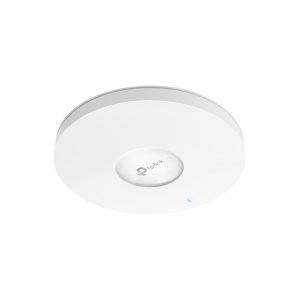
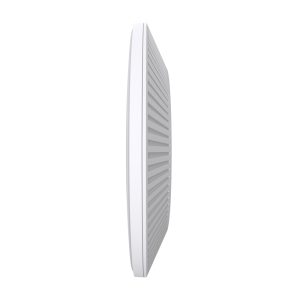
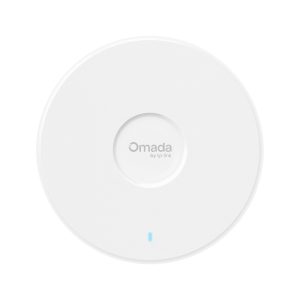
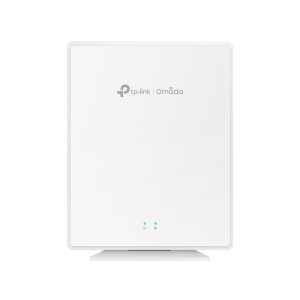
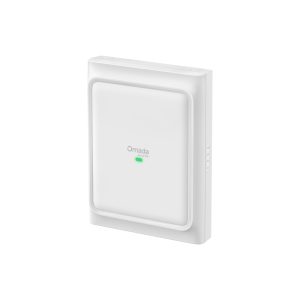
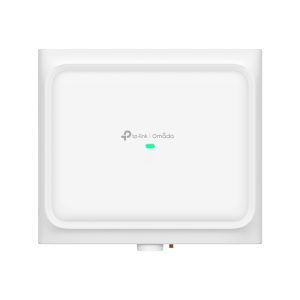
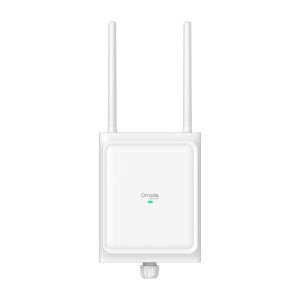
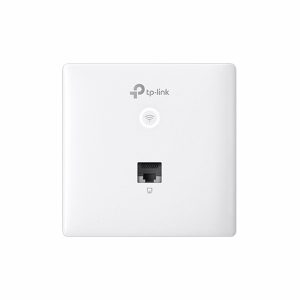
Choose the Wi-Fi generation first. Wi-Fi 5 (AC) models are the budget choice for light use. Wi-Fi 6 and 6E (AX) models handle many more devices at once and suit most offices today. Wi-Fi 7 (BE) models are the newest, with the highest speeds, and suit busy sites that want to stay ahead. Then choose the body: ceiling mount for rooms and halls, wall plate for hotel rooms and clinics, and outdoor for lawns, car parks and yards.
Pakistani offices, schools, hotels, clinics, factories and shopping marts choose Omada access points because one controller can run Wi-Fi across many rooms, floors and branches in Karachi, Lahore, Islamabad, Rawalpindi, Faisalabad, Multan, Peshawar and Quetta. People roam from room to room without dropping a call, and you can add more access points as the business grows.
Power cuts are common, so power the access points through a PoE switch and put that one switch on a UPS. The Wi-Fi then stays up during load shedding without a UPS at every access point. Omada access points take 802.3af/at PoE, so one network cable carries both data and power.
As a rule of thumb, one access point covers two to four rooms indoors or one open hall. An office of 20 to 30 people usually needs one access point per floor or per 150 to 200 square metres, and busy places such as schools, hotels, restaurants and marts need more.
FAQs
Which Omada access point should I buy?
For most offices a Wi-Fi 6 ceiling mount model such as the EAP610 or EAP650 is a good balance. Choose Wi-Fi 5 for a small budget and Wi-Fi 7 for the busiest sites.
What is the difference between Wi-Fi 5, Wi-Fi 6 and Wi-Fi 7?
Each generation is faster and handles more devices than the last. Wi-Fi 5 is AC, Wi-Fi 6 is AX and Wi-Fi 7 is BE.
Can I use an Omada access point without a controller?
Yes, you can set up access points on their own, but a controller gives you roaming, one dashboard and easy updates.
How many access points do I need?
Plan about one per floor or per 150 to 200 square metres in an office, and more for crowded places.
How do I get the price?
Prices change often, so contact One Chip for the latest price of any model.
Do I need a PoE switch?
Omada access points run on PoE, so a PoE switch or a PoE injector gives power and data over one cable.
Does One Chip deliver across Pakistan?
Yes. One Chip delivers across Pakistan, including Karachi, Lahore, Islamabad, Rawalpindi, Faisalabad, Multan, Peshawar and Quetta.
Can you help me choose?
Yes. Message One Chip with your area and number of users, and we will suggest the right access points and PoE switch.
-
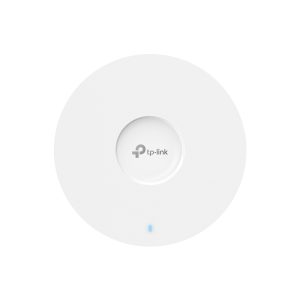
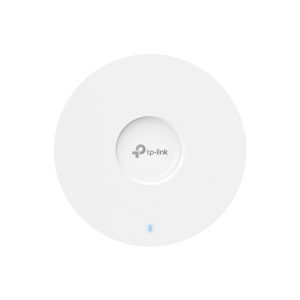
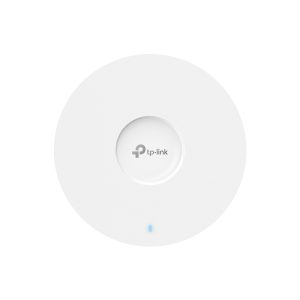
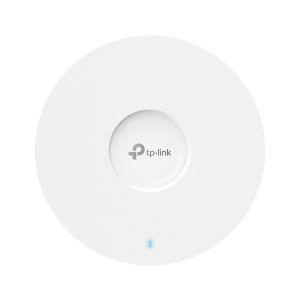
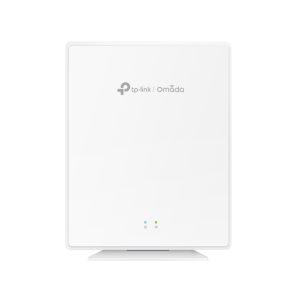
TP-Link
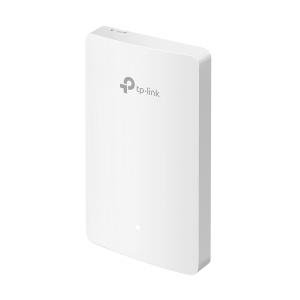
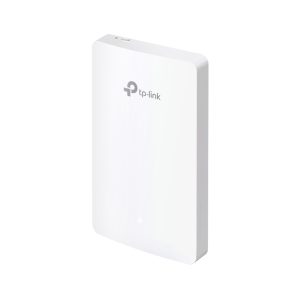
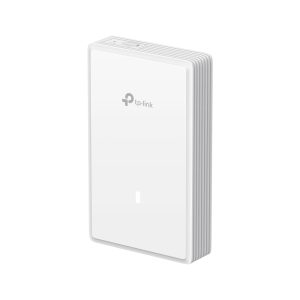
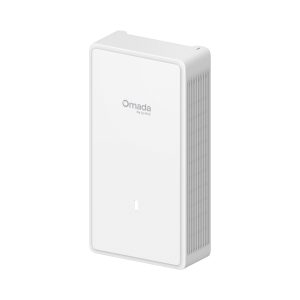
TP-Link EAP610GP-Desktop AX1800 Wi-Fi 6 GPON Wall Plate Access Point
Price on WhatsApp
In Stock
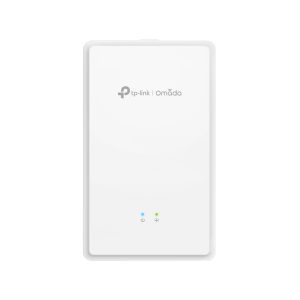
TP-Link
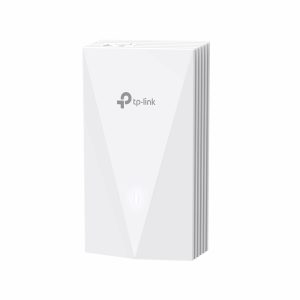
TP-Link EAP615GP-Wall AX1800 Wi-Fi 6 GPON Wall Plate Access Point
Price on WhatsApp
In Stock
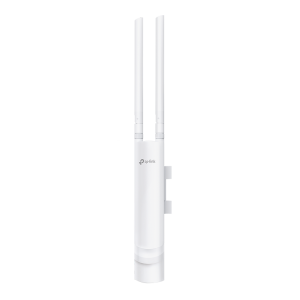
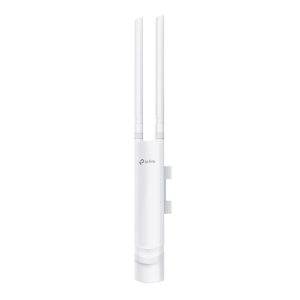
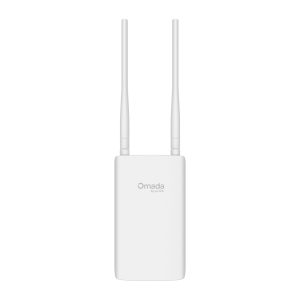
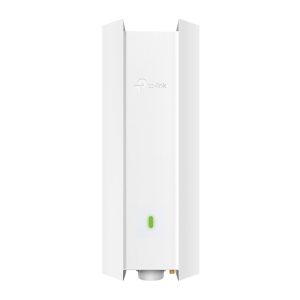
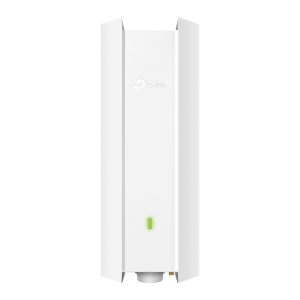
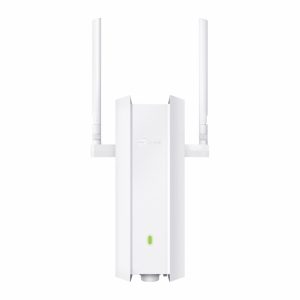
TP-Link
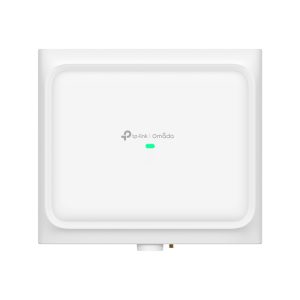
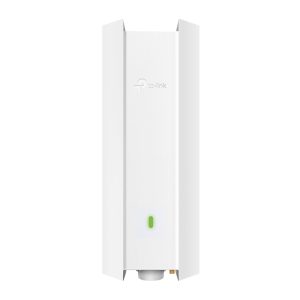
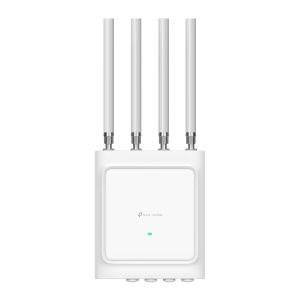
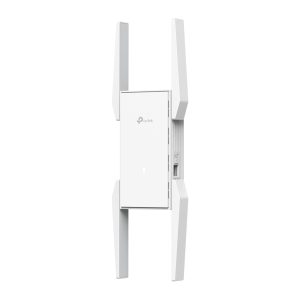
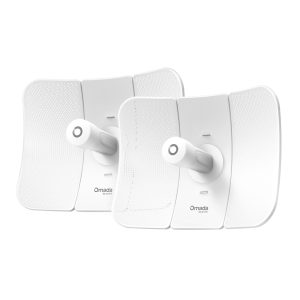
TP-Link Beam Bridge 5 UR KIT Omada 5GHz 867Mbps Ultra-Range Indoor/Outdoor Wireless Bridge
Price on WhatsApp
In Stock
TP-Link
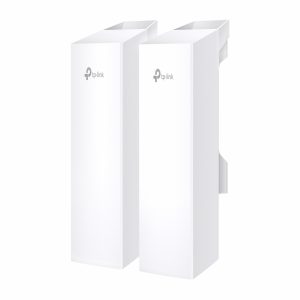
TP-Link EAP211-Bridge KIT Wireless Bridge 5 GHz 867 Mbps Indoor/Outdoor Access Point
Price on WhatsApp
In Stock
TP-Link
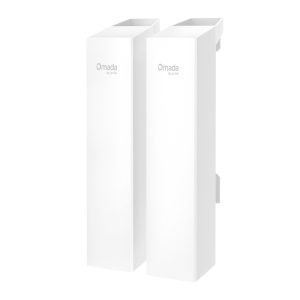
TP-Link EAP215-Bridge KIT Omada 5GHz 867Mbps Long-Range Indoor/Outdoor Wireless Bridge
Price on WhatsApp
In Stock
No products match these filters. Try removing one, or use Clear All.